AI outpainting, without masks or layers

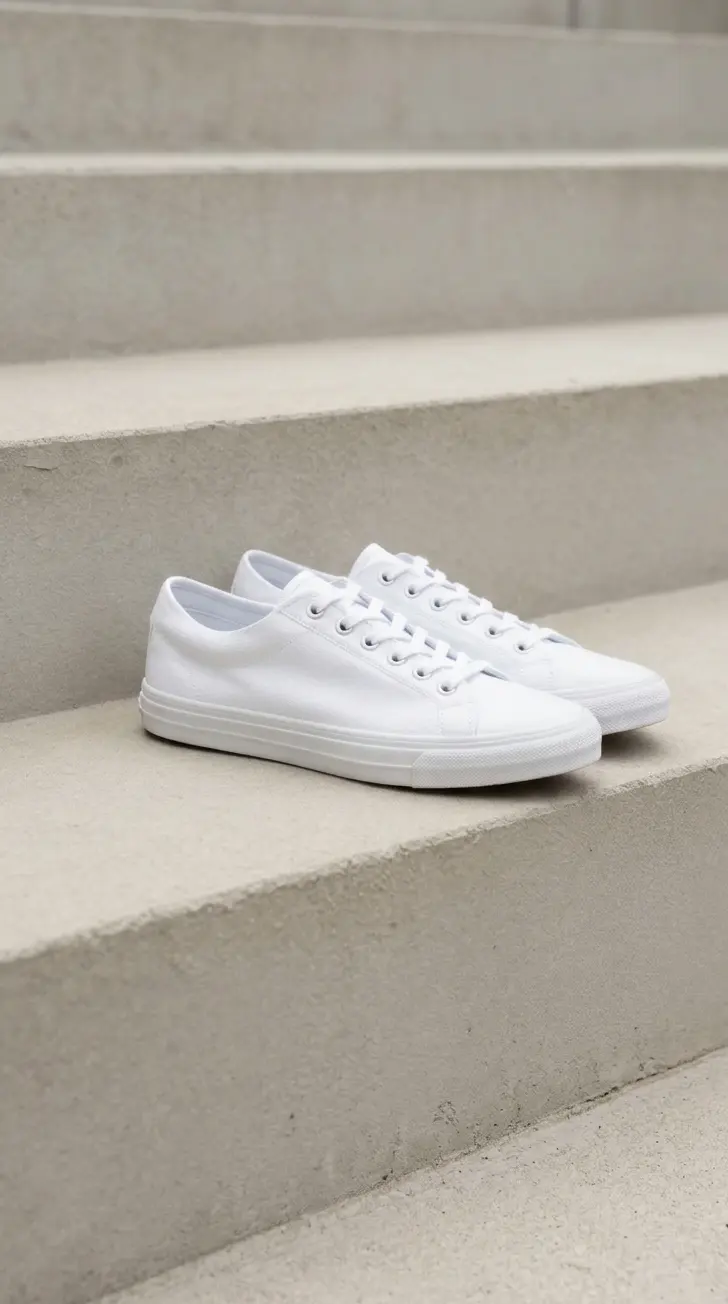
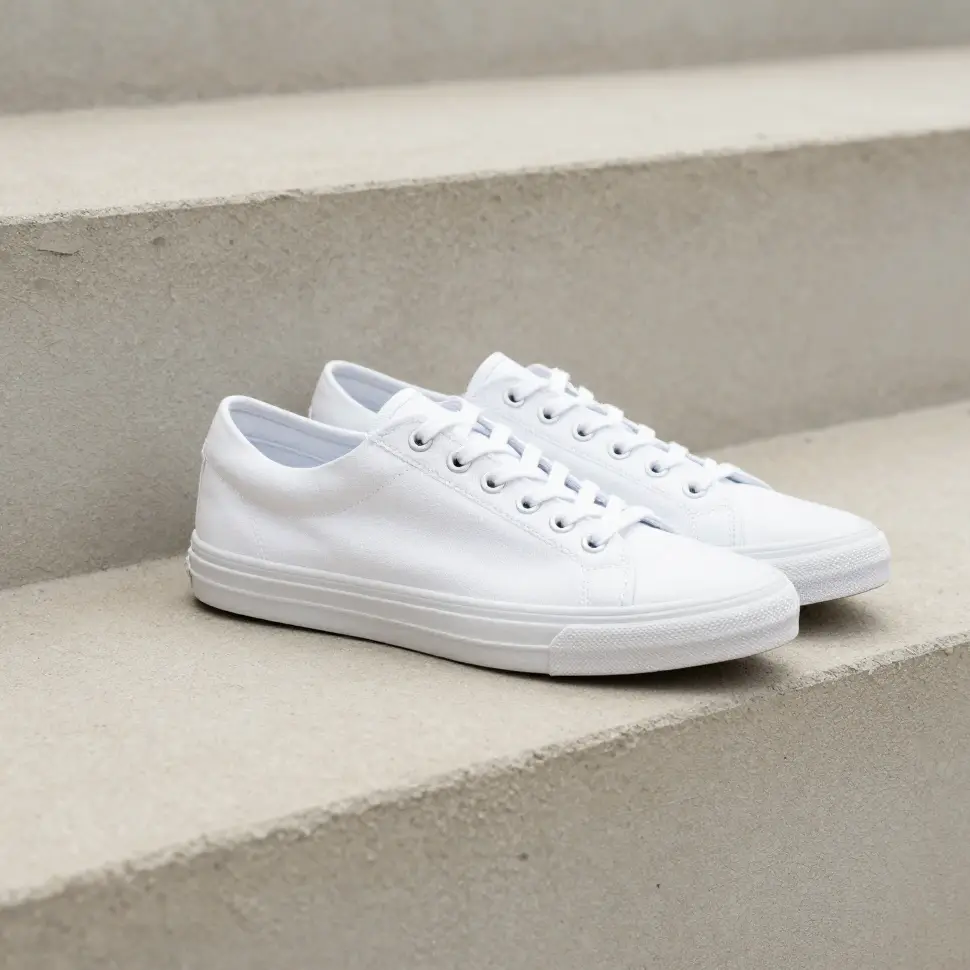
A square product shot of white sneakers on concrete steps, extended to a 9:16 story frame

New frame

Profile pictures, marketplace listings

This uncrop costs

33 credits

Sign up free: 33 credits

Your free credits cover one complete uncrop (33 credits).

Outpainting is inpainting turned inside out: instead of filling a hole in a picture, the model paints beyond its borders. Here AI outpainting takes one step: upload a photo or an illustration, pick a frame, add a note if you want something specific in the new area, and the model outpaints the canvas around your image in the same style.

Updated

How it works

  1. 1

    Upload the image

    A photo, a painting or an illustration, as JPG, PNG or WebP up to 10 MB.

  2. 2

    Set the frame and an optional note

    Pick the frame. In the note, describe only the new area: "more of the same waves", "a plain warm grey background". Leave it empty to let the model continue the scene.

  3. 3

    Outpaint and compare

    Run it, drag the slider to compare, and keep the original pixels in the middle if the artwork must not change.

Good for

  • Outpainting illustrations, prints and paintings to a new format
  • Tall 9:16 and 2:3 versions of square or landscape artwork
  • Square 1:1 crops that need more room around the subject
  • Trying a few compositions of the same image quickly
A square product shot of white sneakers on concrete steps, extended to a 9:16 story frame: After
A square product shot of white sneakers on concrete steps, extended to a 9:16 story frame: Before
BeforeAfter · 9:16

Extend to 9:16

Instruction: Extend this photo outward to fill a 9:16 frame. Keep the original picture unchanged, at the same size, in the middle, and continue the scene naturally past its edges with matching perspective, lighting, colour, grain and texture. Do not crop, zoom or move the original. Add no new people, text, borders, frames or watermarks.

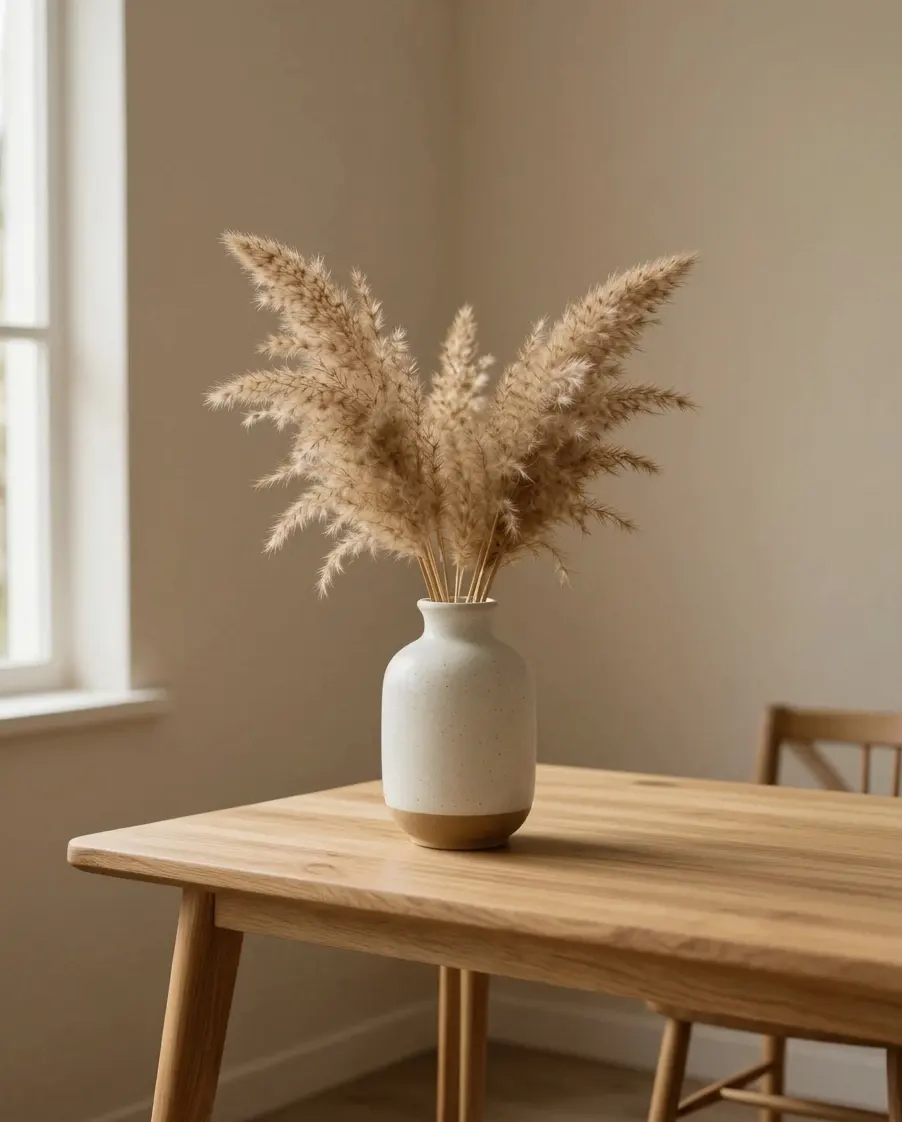
A square photo of a ceramic vase with pampas grass, extended to a 4:5 feed post: After
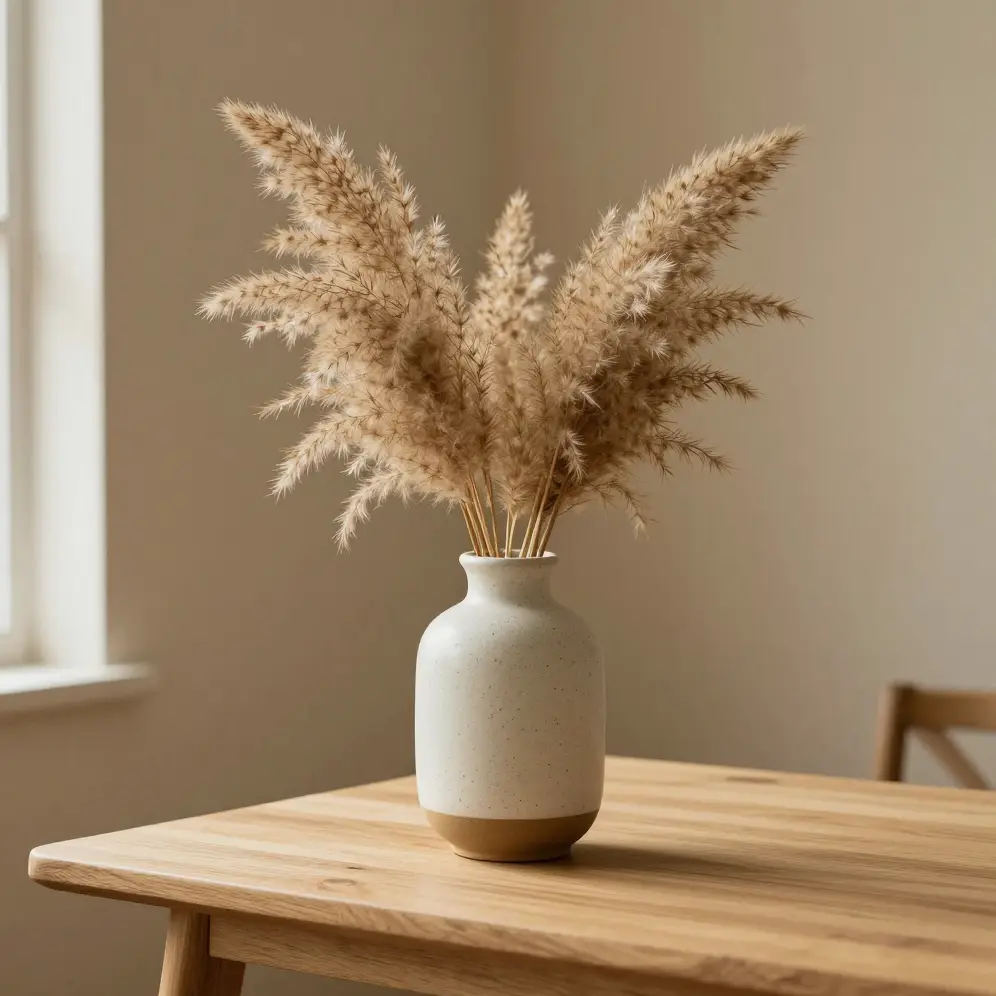
A square photo of a ceramic vase with pampas grass, extended to a 4:5 feed post: Before
BeforeAfter · 4:5

Extend to 4:5

Instruction: Extend this photo outward to fill a 4:5 frame. Keep the original picture unchanged, at the same size, in the middle, and continue the scene naturally past its edges with matching perspective, lighting, colour, grain and texture. Do not crop, zoom or move the original. Add no new people, text, borders, frames or watermarks.

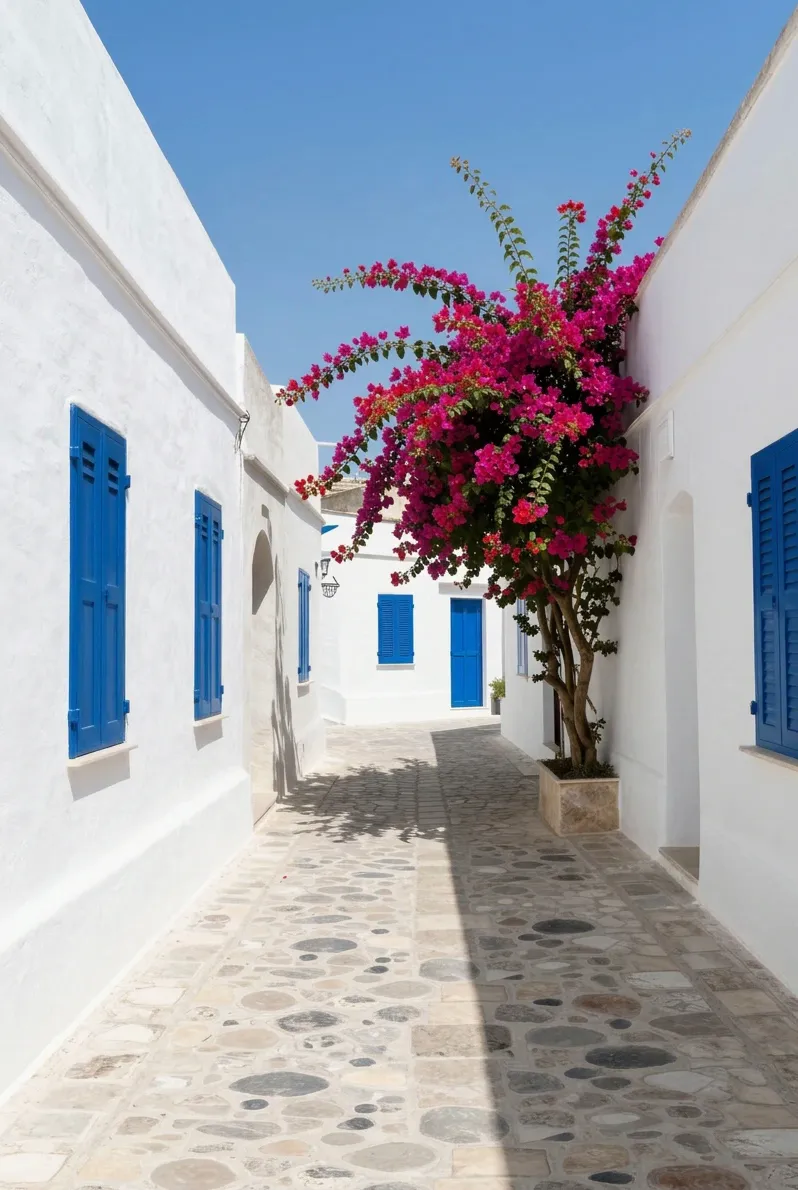
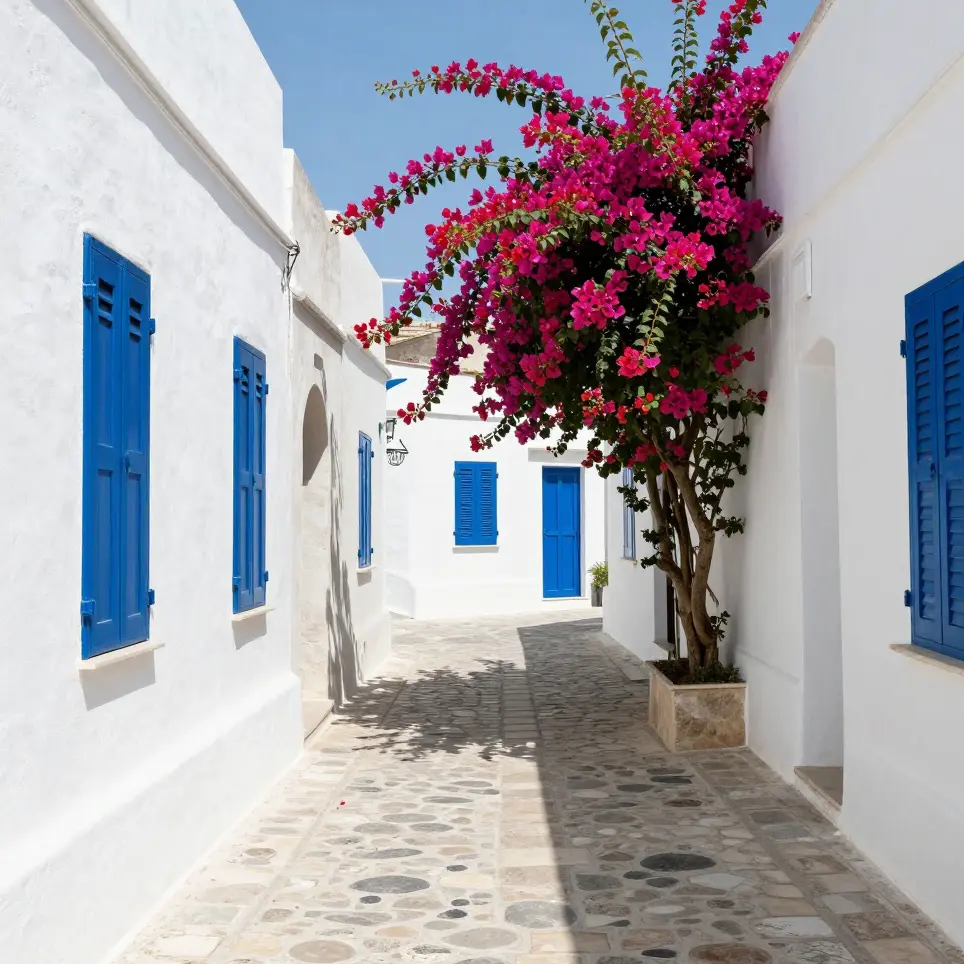
A whitewashed alley with blue shutters, extended from square to a 2:3 print: After
A whitewashed alley with blue shutters, extended from square to a 2:3 print: Before
BeforeAfter · 2:3

Extend to 2:3

Instruction: Extend this photo outward to fill a 2:3 frame. Keep the original picture unchanged, at the same size, in the middle, and continue the scene naturally past its edges with matching perspective, lighting, colour, grain and texture. Do not crop, zoom or move the original. Add no new people, text, borders, frames or watermarks.

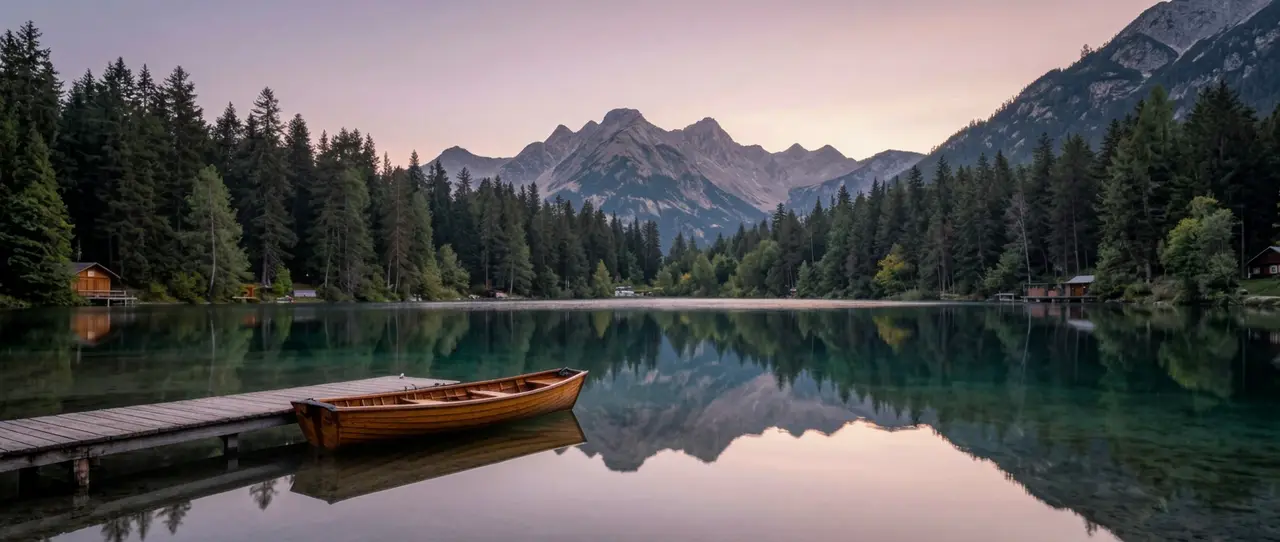
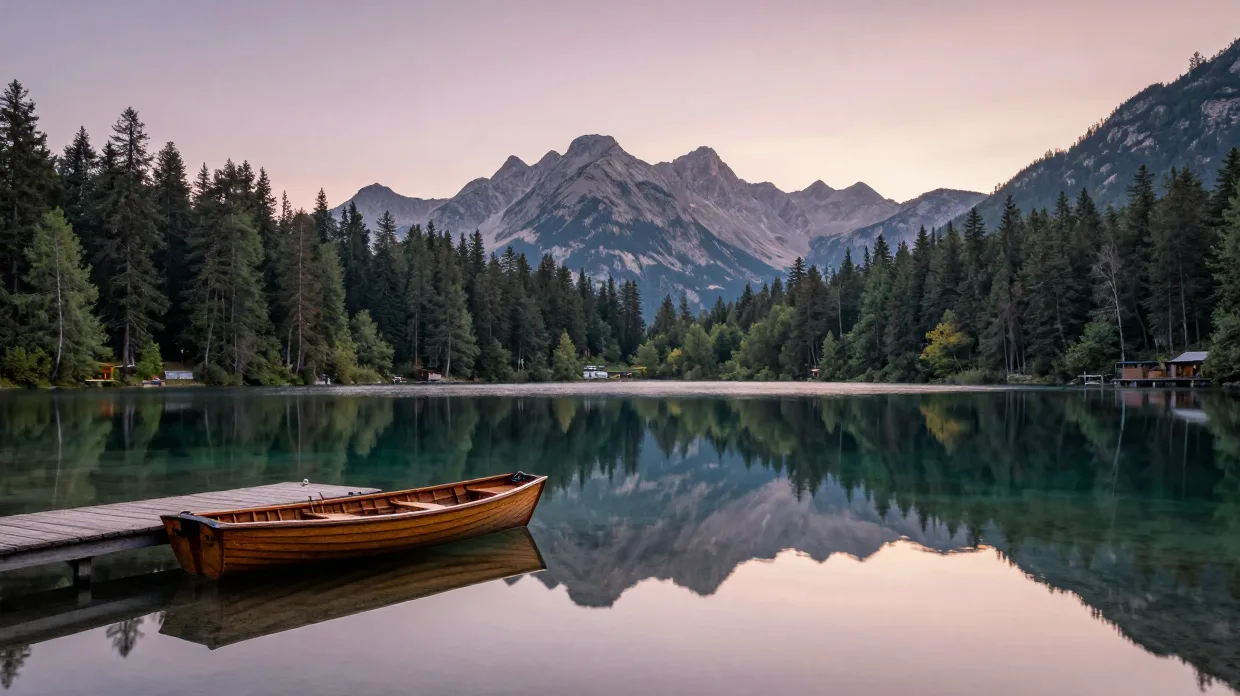
An alpine lake with a rowing boat, extended from 16:9 to an ultrawide 21:9 banner: After
An alpine lake with a rowing boat, extended from 16:9 to an ultrawide 21:9 banner: Before
BeforeAfter · 21:9

Extend to 21:9

Instruction: Extend this photo outward to fill a 21:9 frame. Keep the original picture unchanged, at the same size, in the middle, and continue the scene naturally past its edges with matching perspective, lighting, colour, grain and texture. Do not crop, zoom or move the original. Add no new people, text, borders, frames or watermarks.

01

Outpainting art and illustrations

Outpainting is not limited to photos. Flat colour, woodblock prints, watercolour and line art extend well because the model continues the style it sees: the same strokes, the same palette, the same paper. The examples on this page include a blue woodblock-style print outpainted from a tall format to 16:9.

02

When to add a note

With no note, the model continues whatever is at the edges, which is right most of the time. Add a note when the edge is ambiguous (a cut-off object) or when you want the new space calm for text: "plain sky with no clouds" gives you room for a title. Keep notes about the new area only; asking for changes to the original works against the instruction to keep it as it is.

Credits per uncrop

The editor shows the exact cost before you run anything. Plans and credit packs

ModelGood for1K2K
Nano Banana 2.1Everyday uncrops: fast, low cost, good at continuing textures3349
GPT Image 2A second opinion on busy scenes and interiors49—

Questions

What is the difference between outpainting and inpainting?

Inpainting fills or replaces something inside the picture. Outpainting adds new picture outside the original borders. This tool does outpainting only; the original stays in the middle.

Do I need to draw a mask?

No. The new area is everything outside your original in the chosen frame, so there is nothing to select. You only pick the frame.

Can I outpaint someone else’s artwork?

Only with the rights to do so. Outpainting a work you do not own and passing it off as the original artist’s is not allowed.

Which model is better for outpainting art?

Nano Banana 2.1 keeps styles consistent and is the cheaper choice. GPT Image 2 is a useful second try on busy scenes. The editor shows the credit price of each before you run.