AI image extender

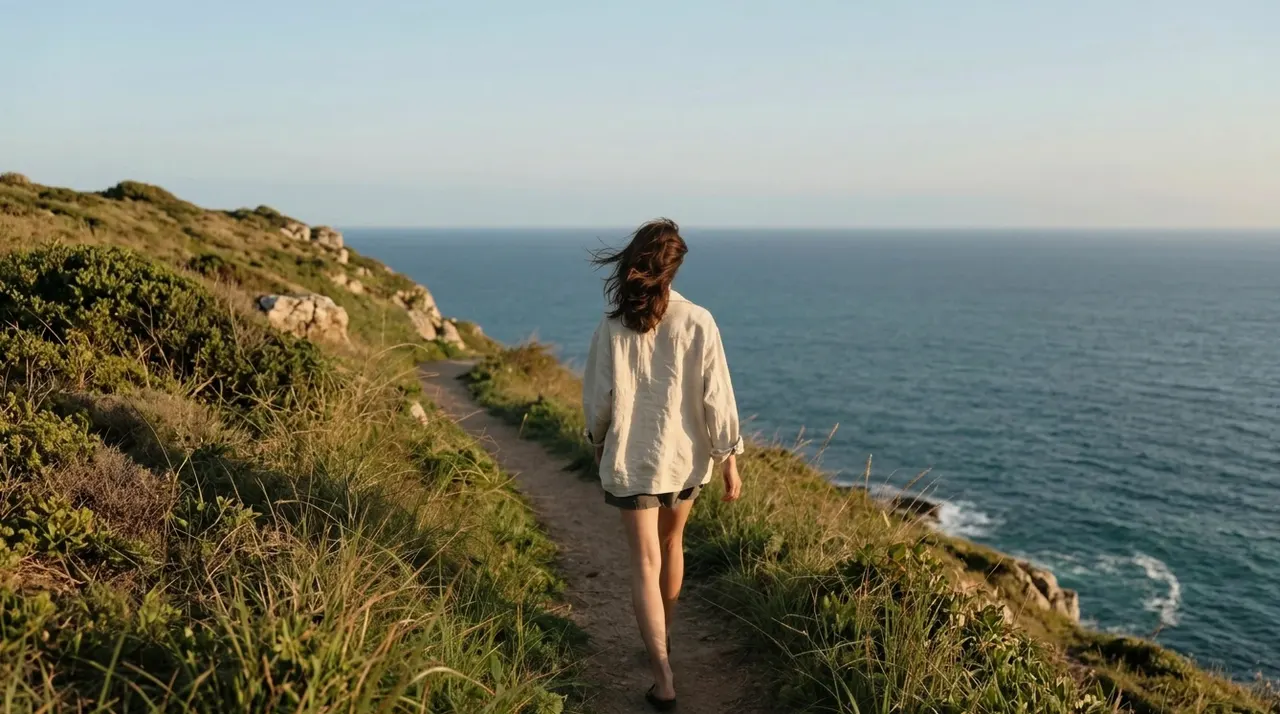
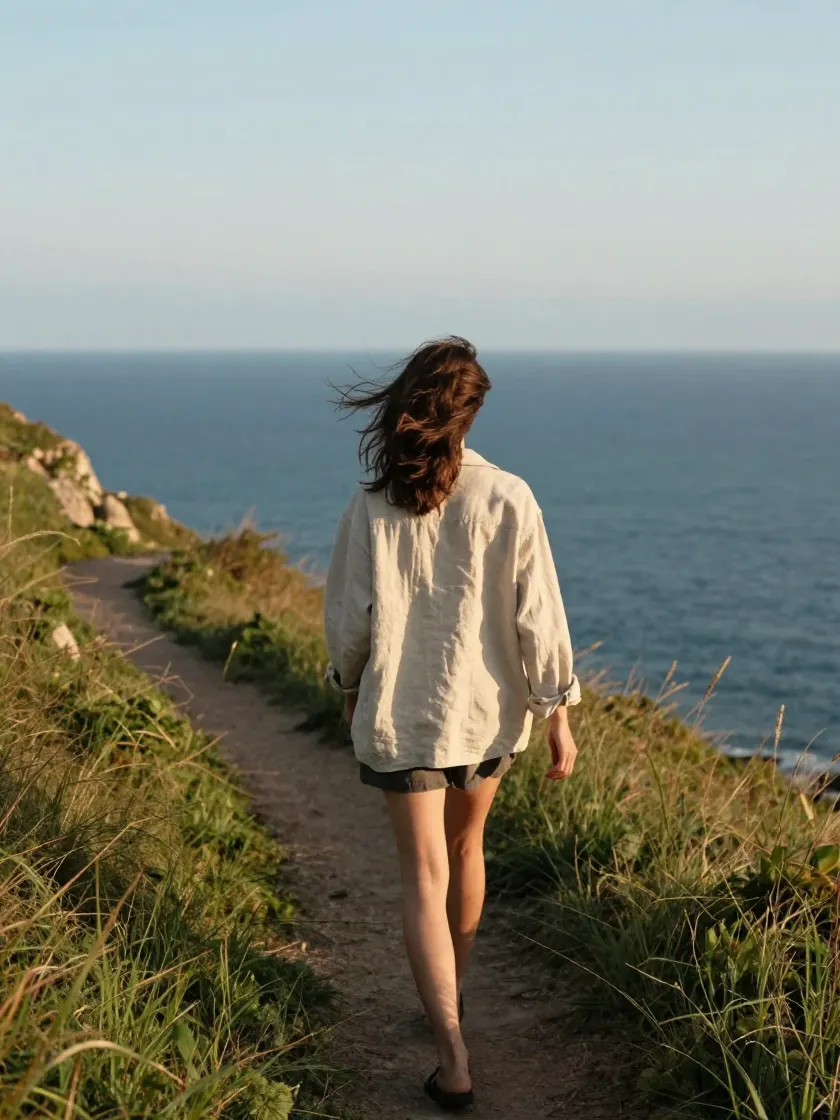
A portrait photo of a walker on a cliff path, widened to 16:9 with more coast and sea

New frame

YouTube, desktop wallpaper, slides

This uncrop costs

33 credits

Sign up free: 33 credits

Your free credits cover one complete uncrop (33 credits).

An image extender adds picture where there was none: upload a photo, pick the frame you need and the AI extends the image outward, continuing the ground, sky, walls and light so the result reads as one shot. The original stays in the middle at the same size, so a portrait can become a 16:9 thumbnail or a square a 9:16 story without cropping anything away.

Updated

How it works

  1. 1

    Upload the photo

    JPG, PNG or WebP up to 10 MB. The larger and sharper the original, the better the new edges match it.

  2. 2

    Pick the frame

    Choose one of eight frames. The preview shows where your photo sits and the hatched area the model will fill. Optionally say what the new area should show.

  3. 3

    Compare and download

    Drag the slider to see the original against the extended frame. Keep your original pixels on to lay the untouched photo back over the middle, then download.

Good for

  • Turning portrait photos into 16:9 thumbnails, headers and slides
  • Making a square or landscape photo tall enough for Stories and Reels
  • Fitting product shots to a marketplace or feed format
  • Rescuing photos that were framed too tightly
A portrait photo of a walker on a cliff path, widened to 16:9 with more coast and sea: After
A portrait photo of a walker on a cliff path, widened to 16:9 with more coast and sea: Before
BeforeAfter · 16:9

Extend to 16:9

Instruction: Extend this photo outward to fill a 16:9 frame. Keep the original picture unchanged, at the same size, in the middle, and continue the scene naturally past its edges with matching perspective, lighting, colour, grain and texture. Do not crop, zoom or move the original. Add no new people, text, borders, frames or watermarks.

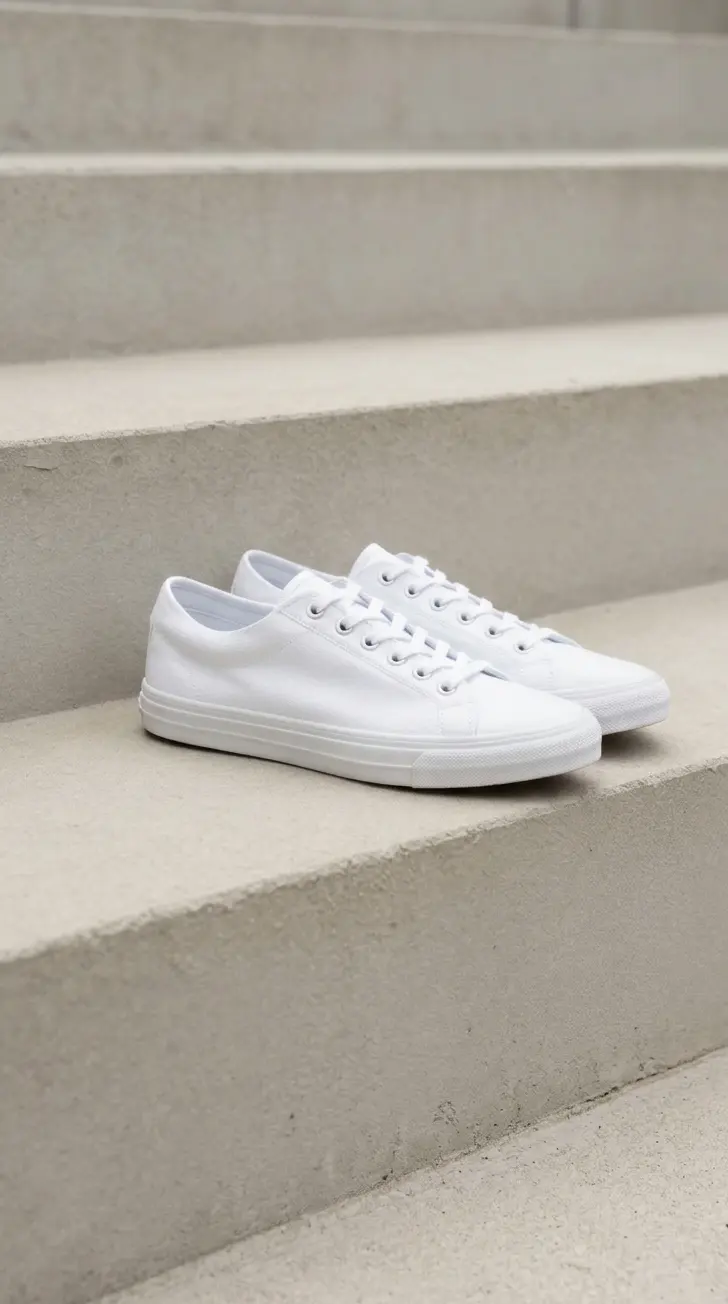
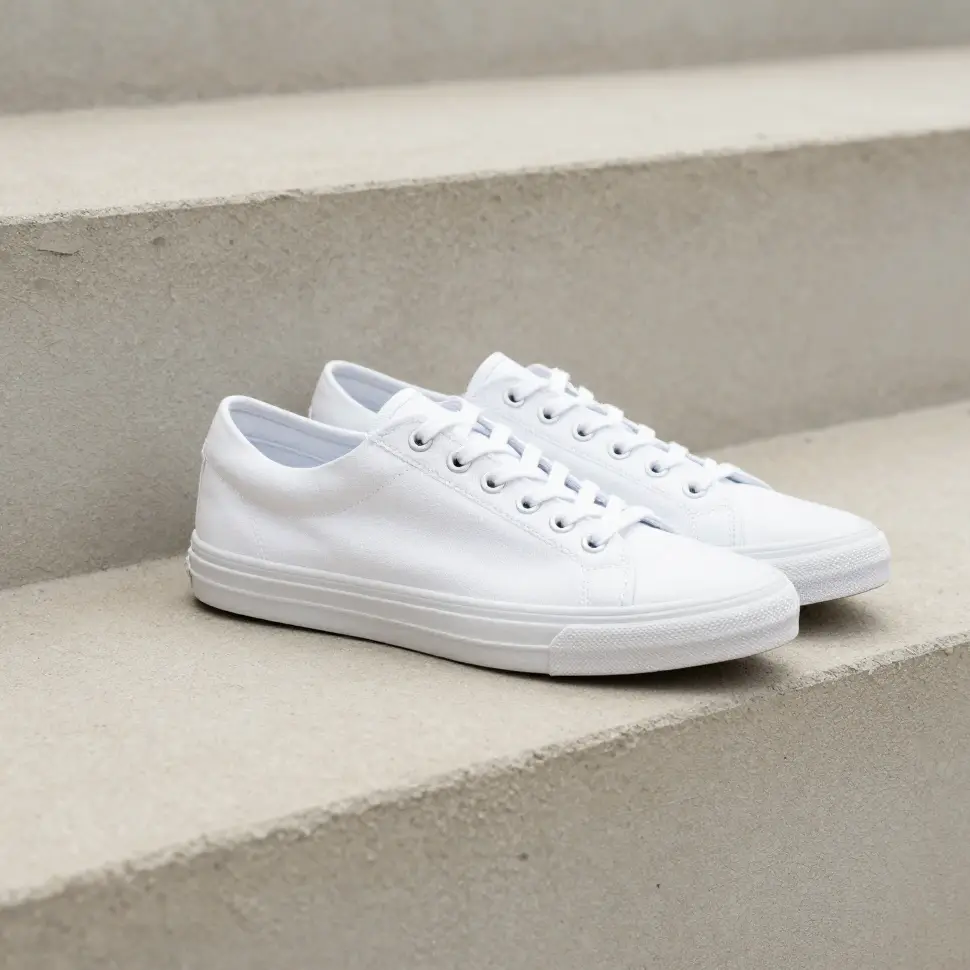
A square product shot of white sneakers on concrete steps, extended to a 9:16 story frame: After
A square product shot of white sneakers on concrete steps, extended to a 9:16 story frame: Before
BeforeAfter · 9:16

Extend to 9:16

Instruction: Extend this photo outward to fill a 9:16 frame. Keep the original picture unchanged, at the same size, in the middle, and continue the scene naturally past its edges with matching perspective, lighting, colour, grain and texture. Do not crop, zoom or move the original. Add no new people, text, borders, frames or watermarks.

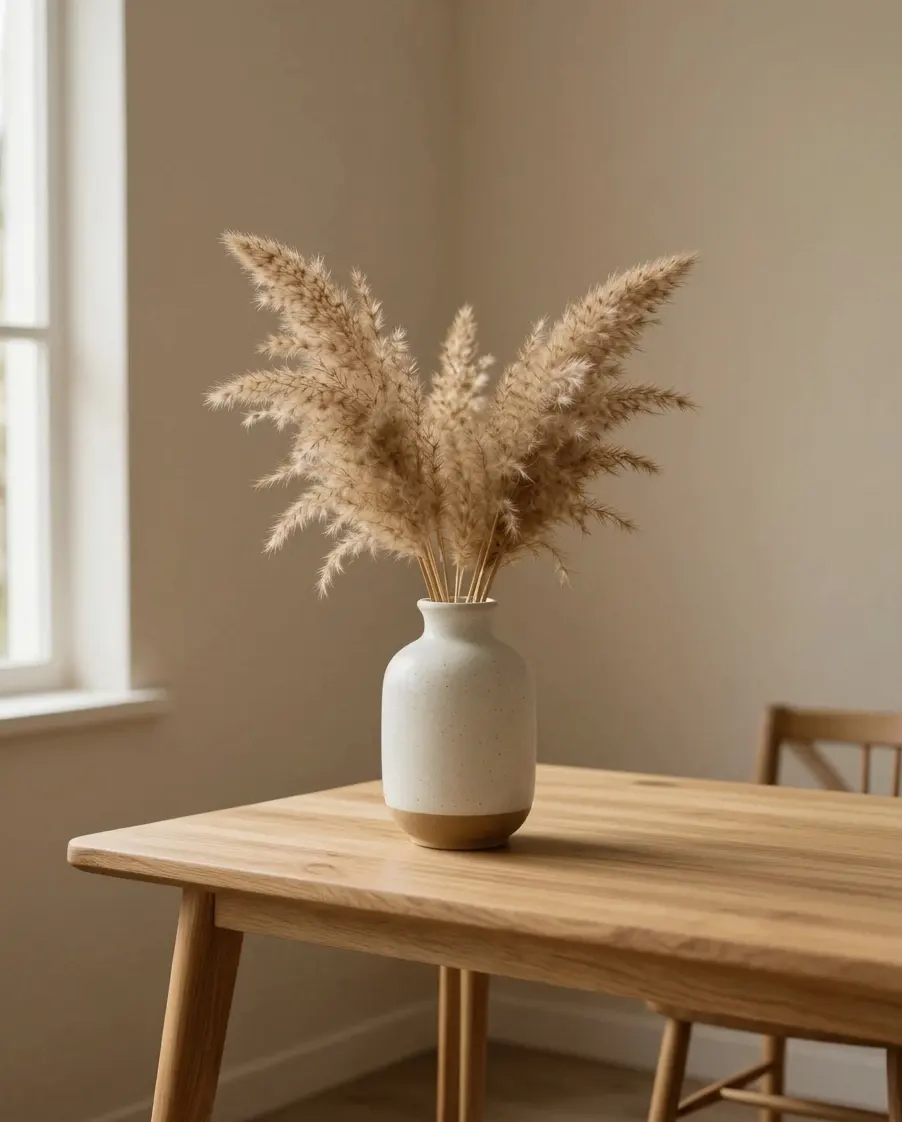
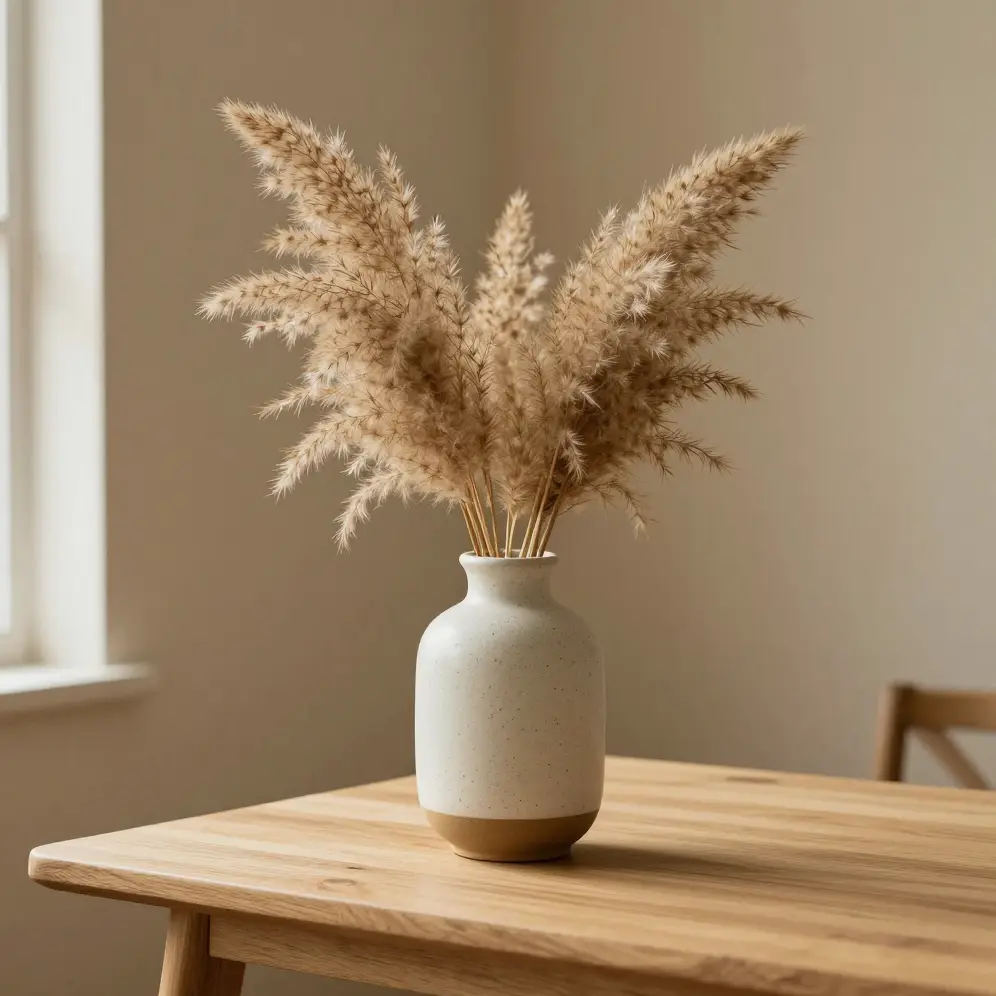
A square photo of a ceramic vase with pampas grass, extended to a 4:5 feed post: After
A square photo of a ceramic vase with pampas grass, extended to a 4:5 feed post: Before
BeforeAfter · 4:5

Extend to 4:5

Instruction: Extend this photo outward to fill a 4:5 frame. Keep the original picture unchanged, at the same size, in the middle, and continue the scene naturally past its edges with matching perspective, lighting, colour, grain and texture. Do not crop, zoom or move the original. Add no new people, text, borders, frames or watermarks.

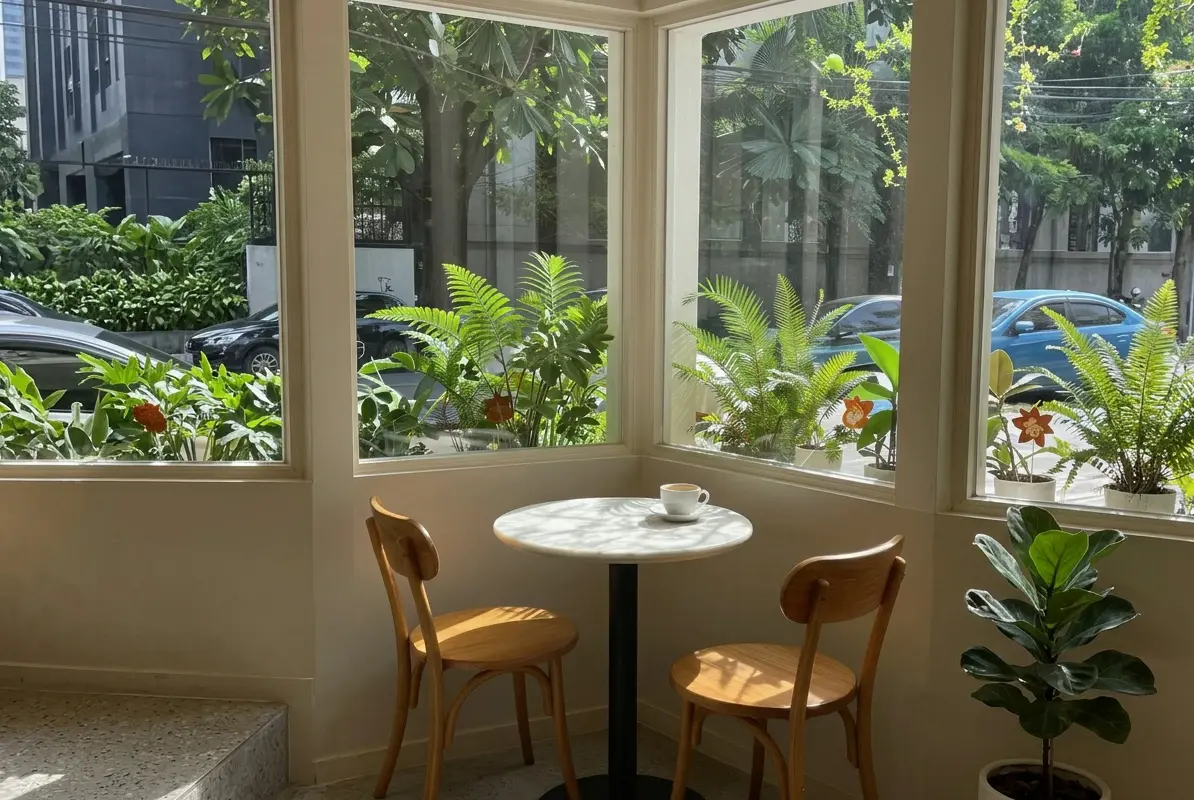
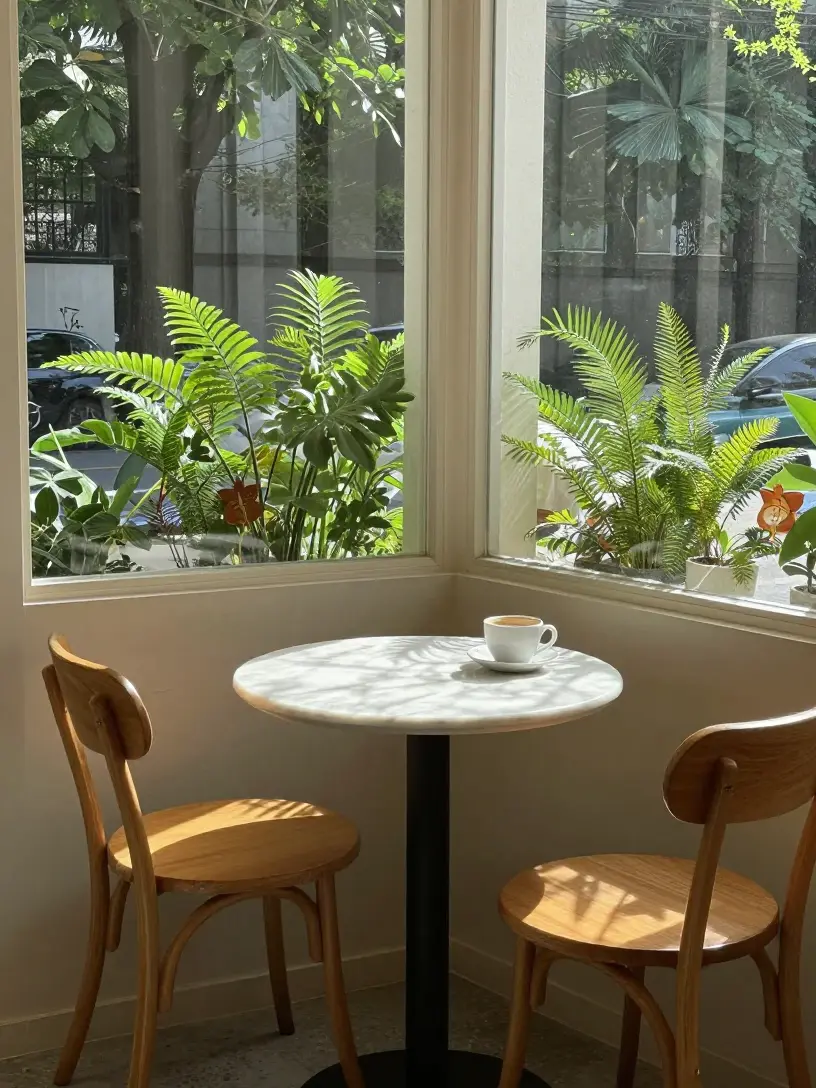
A café window corner, extended from 3:4 to a 3:2 landscape frame: After
A café window corner, extended from 3:4 to a 3:2 landscape frame: Before
BeforeAfter · 3:2

Extend to 3:2

Instruction: Extend this photo outward to fill a 3:2 frame. Keep the original picture unchanged, at the same size, in the middle, and continue the scene naturally past its edges with matching perspective, lighting, colour, grain and texture. Do not crop, zoom or move the original. Add no new people, text, borders, frames or watermarks.

01

How an AI image extender works

The model gets your photo placed in the middle of a larger canvas and an instruction to continue the scene outward with matching perspective, light, colour and grain. It paints the new margins from what the photo shows: a horizon keeps going, a floor gets more boards, a wall more plaster. Because it redraws the whole frame, the middle can shift slightly, which is why the editor can lay your original pixels back over it with a soft seam.

02

Choosing how far to expand

Small changes extend best. Going from 3:4 to 16:9 roughly doubles the picture area and works well on landscapes, streets and interiors. Going from a tall portrait to 21:9 asks the model to invent more than half the image; for that, extend to 16:9 first and then extend the result again. The editor warns you when a frame is a big jump from your photo.

03

What extends well and what does not

Skies, water, grass, sand, walls and floors extend cleanly because they repeat. Text, logos, faces cut off at the edge and objects with a fixed shape (a car half out of frame, a table edge) are harder: the model has to guess what the rest looks like. If a guess is wrong, add a short note such as "the table ends just past the edge" and run it again.

Credits per uncrop

The editor shows the exact cost before you run anything. Plans and credit packs

ModelGood for1K2K
Nano Banana 2.1Everyday uncrops: fast, low cost, good at continuing textures3349
GPT Image 2A second opinion on busy scenes and interiors49—

Questions

Does the image extender change my original photo?

The model redraws the whole frame, so small shifts in the middle can happen. With "Keep my original pixels" on, the download places your untouched photo back over the middle with a feathered seam, so only the new area comes from the model.

Which frames can I expand an image to?

16:9, 9:16, 4:5, 1:1, 3:2, 2:3, 4:3 and 21:9. Pick the one your platform asks for; each option in the editor says where it is commonly used.

How big is the result?

About 1,000 pixels on the long side at 1K, or about 2,000 at 2K with any plan or credit pack. The exact size depends on the frame.

Can I extend the same photo again?

Yes. Use "Extend this result again" to send the result back to the editor and pick a wider or taller frame. Two smaller steps usually look better than one big one.

What happens if the job fails?

If it errors or times out, the credits go back to your balance automatically. A result you simply dislike is not refunded, so try a note for the new area or the other model.