Photo extender for wider frames

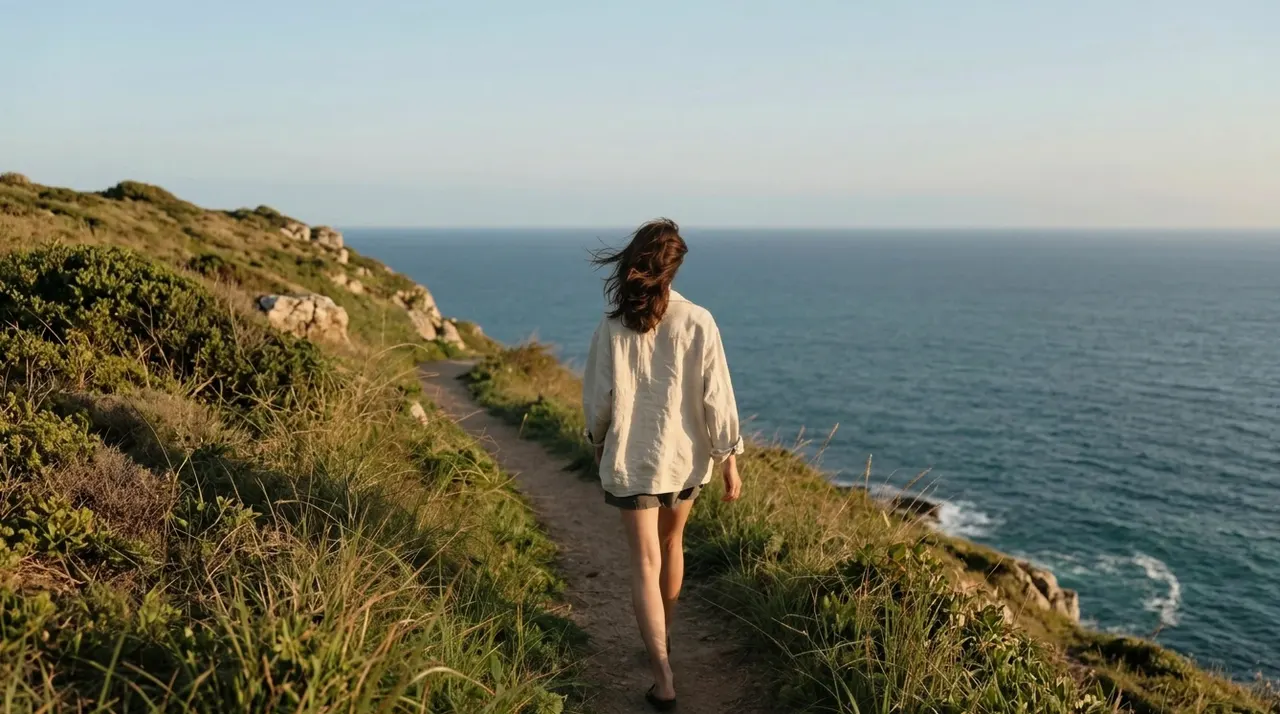
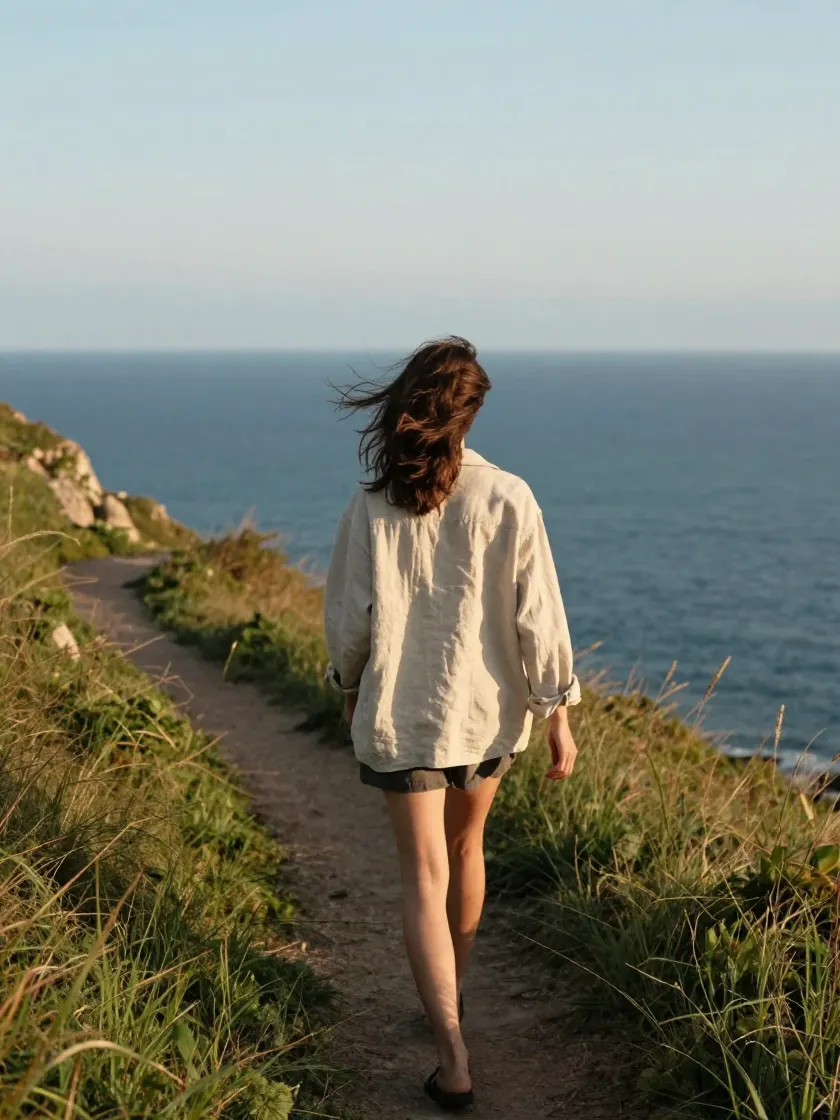
A portrait photo of a walker on a cliff path, widened to 16:9 with more coast and sea

New frame

YouTube, desktop wallpaper, slides

This uncrop costs

33 credits

Sign up free: 33 credits

Your free credits cover one complete uncrop (33 credits).

A photo extender is for the shots that are almost right: a landscape that needs more sky for a banner, a room that should fit a 16:9 slide, a street photo that has to become a 21:9 header. Upload the photo, choose the frame, and the AI extends the image to the sides with the same light and texture, so it looks as if you had stepped back before pressing the shutter.

Updated

How it works

  1. 1

    Upload the photo

    JPG, PNG or WebP up to 10 MB. Straight horizons and level verticals make the extension easier to match.

  2. 2

    Choose a wide frame

    Pick 16:9, 3:2, 4:3 or 21:9. If you know what lies beyond the edges, say it: "more forest on both sides", "the rest of the kitchen counter".

  3. 3

    Check the seams

    Compare against the original and look along the old edges. If a line breaks, run it again or try the other model; both stay in My uncrops.

Good for

  • Landscapes and seascapes that need room for a title or a wider screen
  • Interior and real-estate photos shot too tight for a listing frame
  • Website heroes and ultrawide 21:9 banners from an ordinary photo
  • Camera prints at 3:2 or 4:3 from a phone photo in another shape
A portrait photo of a walker on a cliff path, widened to 16:9 with more coast and sea: After
A portrait photo of a walker on a cliff path, widened to 16:9 with more coast and sea: Before
BeforeAfter · 16:9

Extend to 16:9

Instruction: Extend this photo outward to fill a 16:9 frame. Keep the original picture unchanged, at the same size, in the middle, and continue the scene naturally past its edges with matching perspective, lighting, colour, grain and texture. Do not crop, zoom or move the original. Add no new people, text, borders, frames or watermarks.

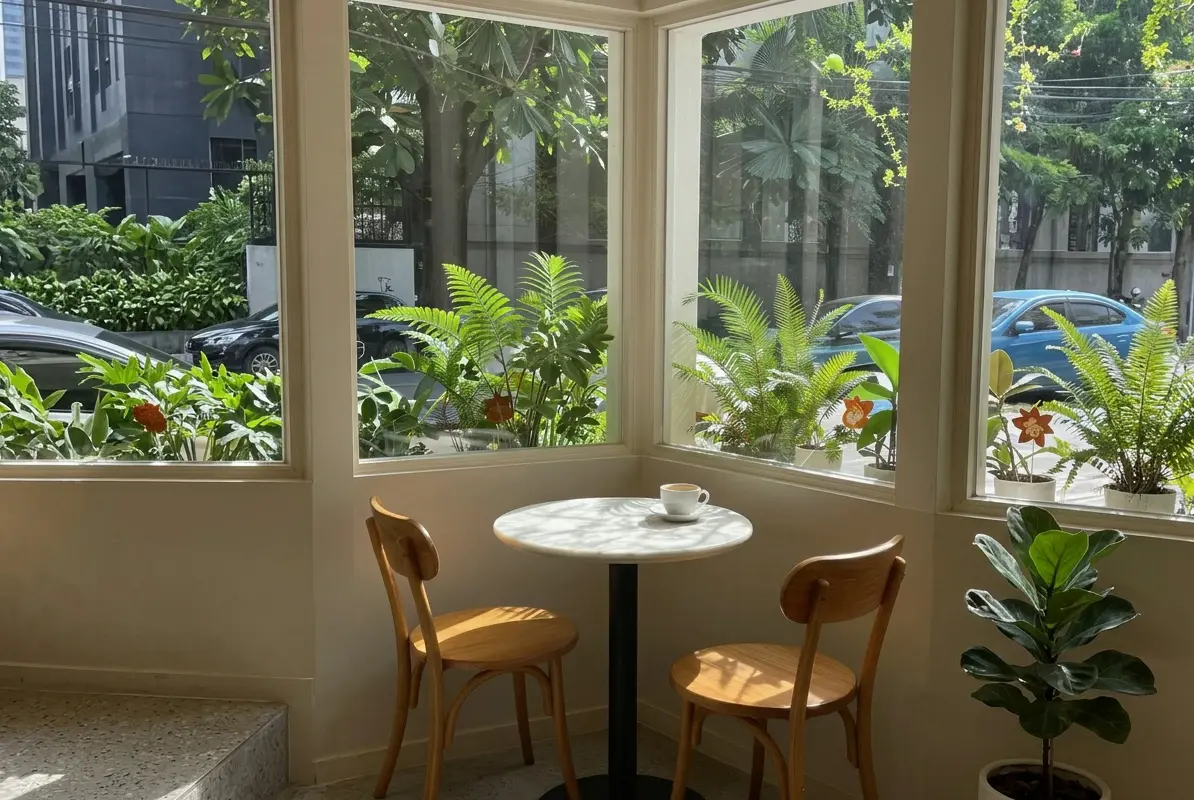
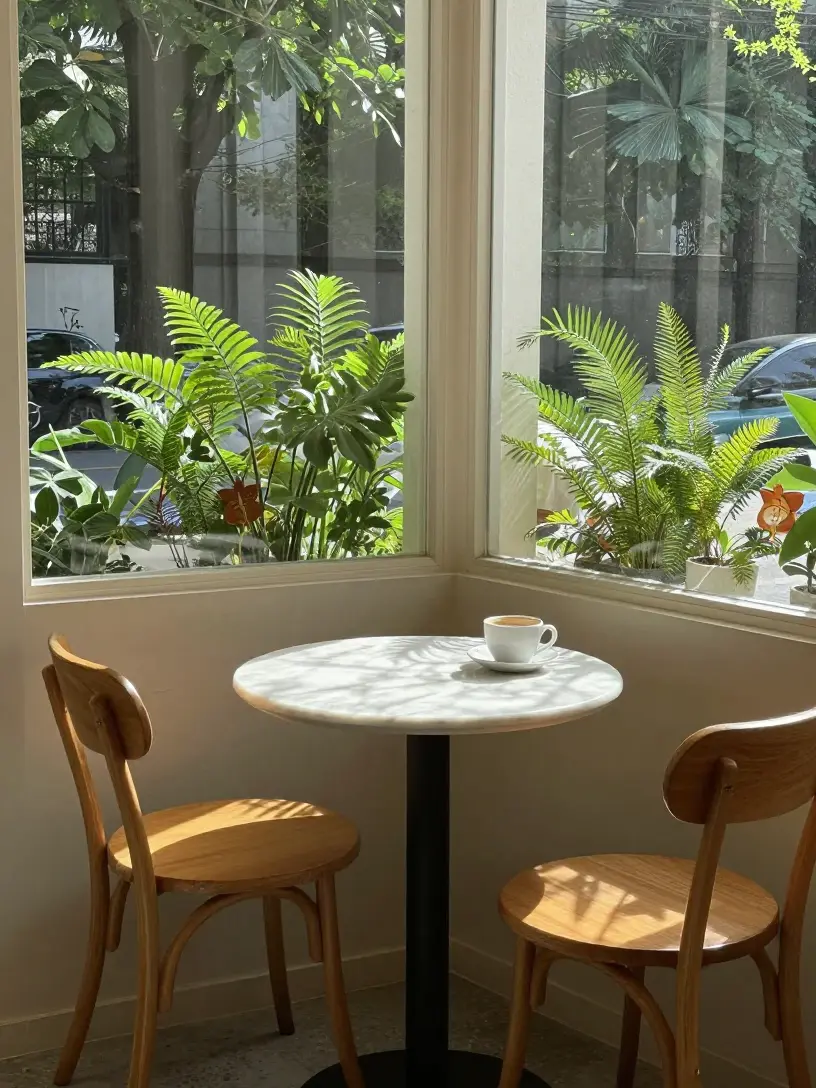
A café window corner, extended from 3:4 to a 3:2 landscape frame: After
A café window corner, extended from 3:4 to a 3:2 landscape frame: Before
BeforeAfter · 3:2

Extend to 3:2

Instruction: Extend this photo outward to fill a 3:2 frame. Keep the original picture unchanged, at the same size, in the middle, and continue the scene naturally past its edges with matching perspective, lighting, colour, grain and texture. Do not crop, zoom or move the original. Add no new people, text, borders, frames or watermarks.

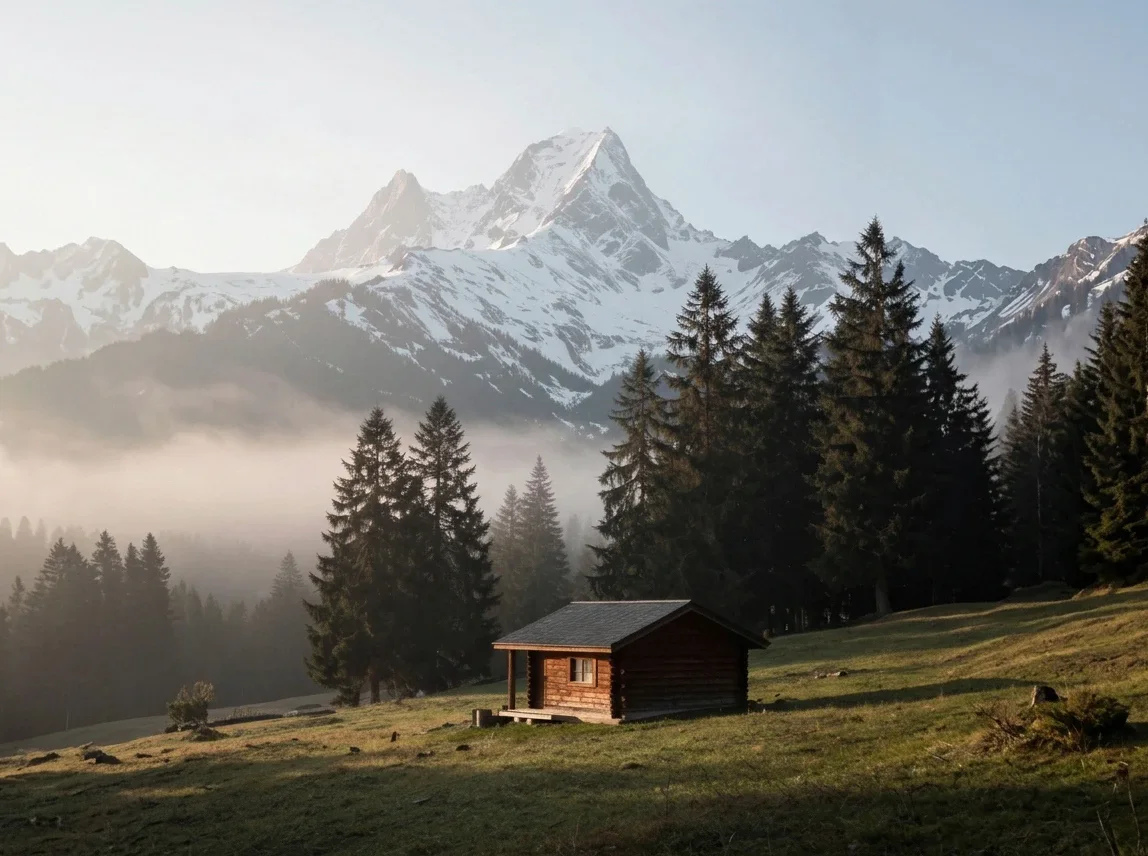
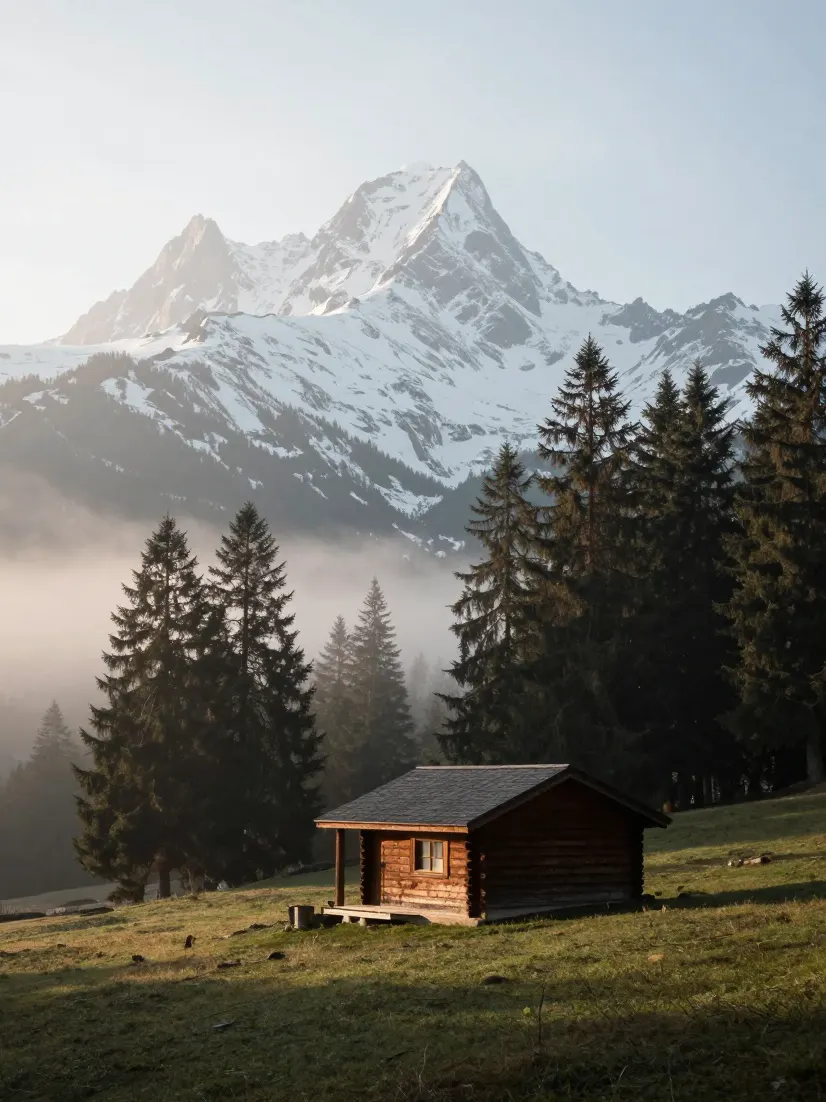
A cabin below snowy peaks, extended from 3:4 to a 4:3 frame with more meadow and forest: After
A cabin below snowy peaks, extended from 3:4 to a 4:3 frame with more meadow and forest: Before
BeforeAfter · 4:3

Extend to 4:3

Instruction: Extend this photo outward to fill a 4:3 frame. Keep the original picture unchanged, at the same size, in the middle, and continue the scene naturally past its edges with matching perspective, lighting, colour, grain and texture. Do not crop, zoom or move the original. Add no new people, text, borders, frames or watermarks.

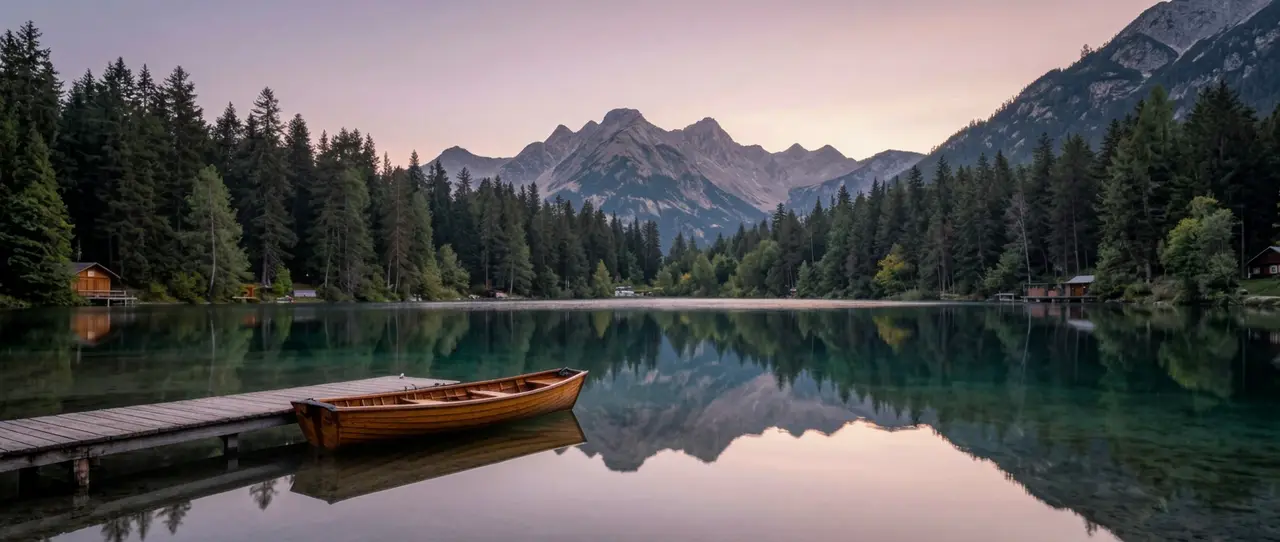
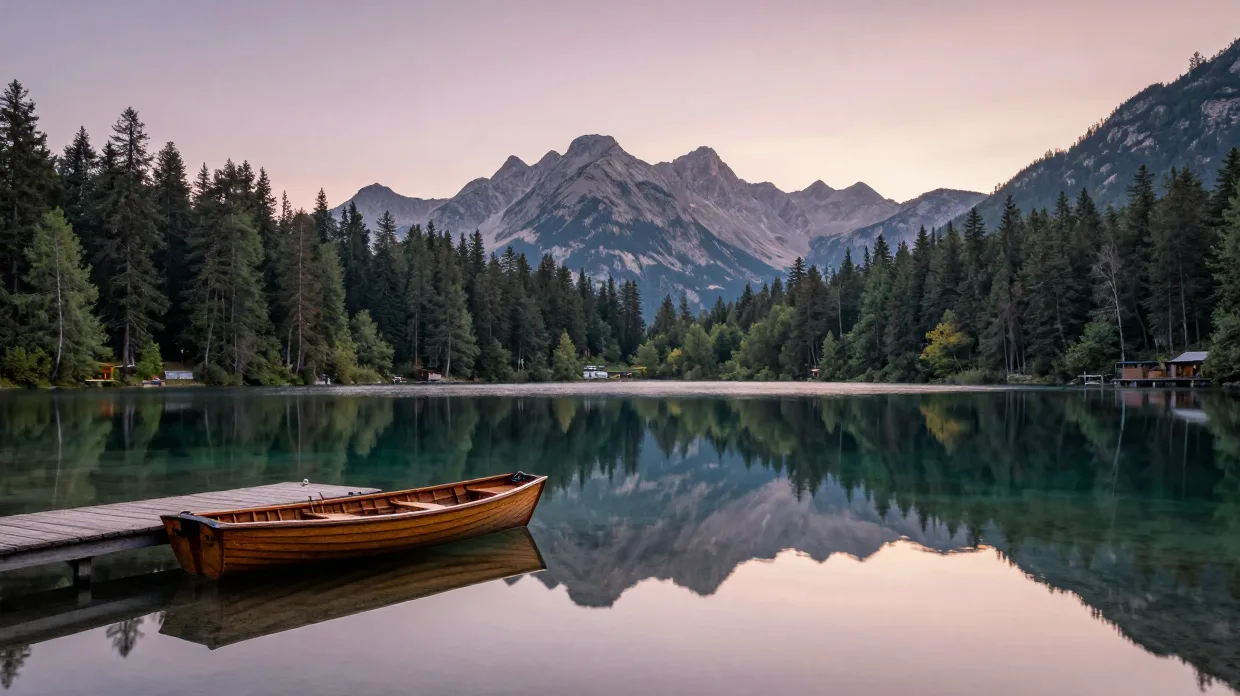
An alpine lake with a rowing boat, extended from 16:9 to an ultrawide 21:9 banner: After
An alpine lake with a rowing boat, extended from 16:9 to an ultrawide 21:9 banner: Before
BeforeAfter · 21:9

Extend to 21:9

Instruction: Extend this photo outward to fill a 21:9 frame. Keep the original picture unchanged, at the same size, in the middle, and continue the scene naturally past its edges with matching perspective, lighting, colour, grain and texture. Do not crop, zoom or move the original. Add no new people, text, borders, frames or watermarks.

01

Why extend instead of crop

Cropping a photo to a wider frame throws away the top and bottom, often the very sky or floor that gave it space. Extending keeps every pixel you shot and adds new picture at the sides. For a 21:9 banner from a 16:9 photo, that is the difference between cutting off the mountain tops and keeping them.

02

Landscapes, streets and interiors

Natural scenes are the easiest to extend: trees, hills, water and clouds have no single correct shape. Streets and interiors are harder because straight lines must continue at the right angle; the model is good at this when the original has clear vanishing lines. Reflections in water and windows usually carry on correctly, which helps sell the result.

Credits per uncrop

The editor shows the exact cost before you run anything. Plans and credit packs

ModelGood for1K2K
Nano Banana 2.1Everyday uncrops: fast, low cost, good at continuing textures3349
GPT Image 2A second opinion on busy scenes and interiors49—

Questions

Is a photo extender the same as an upscaler?

No. An upscaler adds pixels to the same picture; a photo extender adds new picture around it. If your photo is the right shape but too small, you need an upscaler. If it is the wrong shape, you need an extender.

Will the extended parts match the photo quality?

They follow the light, colour and grain of the original. A very noisy or blurry original produces matching noise or blur at the edges, so start from the best copy you have.

Can I extend only one side?

The original is always kept centred in the new frame, so the extension is shared between both sides of the stretched direction. To favour one side, crop the original a little on the other side before uploading.

Can I use extended photos in real-estate listings?

Only where it does not mislead. Adding sky or floor around a room is fine for a banner, but presenting invented rooms, views or features as real is not allowed; see the Acceptable Use Policy.