
01
外扩插画和艺术作品
外扩不只适用于照片。平涂色块、木刻版画、水彩和线稿都很容易扩展,因为模型会延续它看到的风格:同样的笔触、同样的配色、同样的纸张。本页示例包括一幅蓝色木刻风格版画,从竖版外扩到 16:9。
新画幅
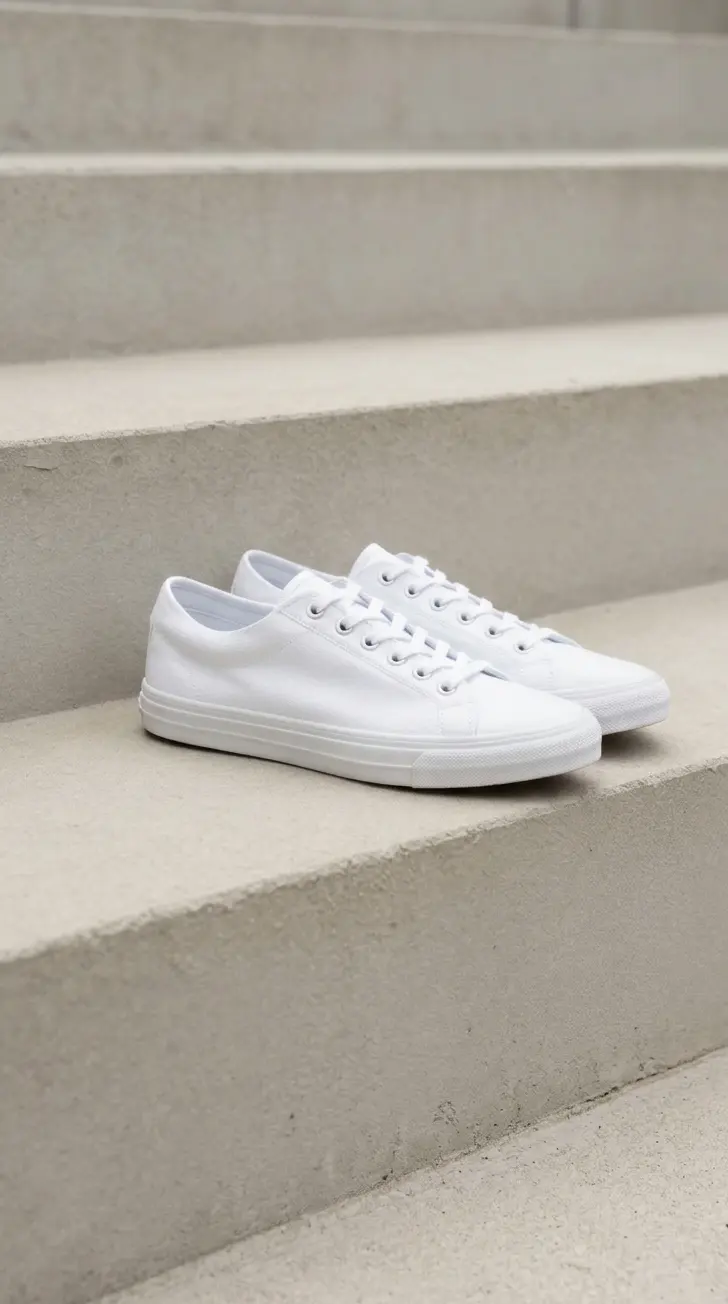
头像、电商商品图
本次扩图消耗
33 积分
免费积分够完成一次扩图(33 积分)。
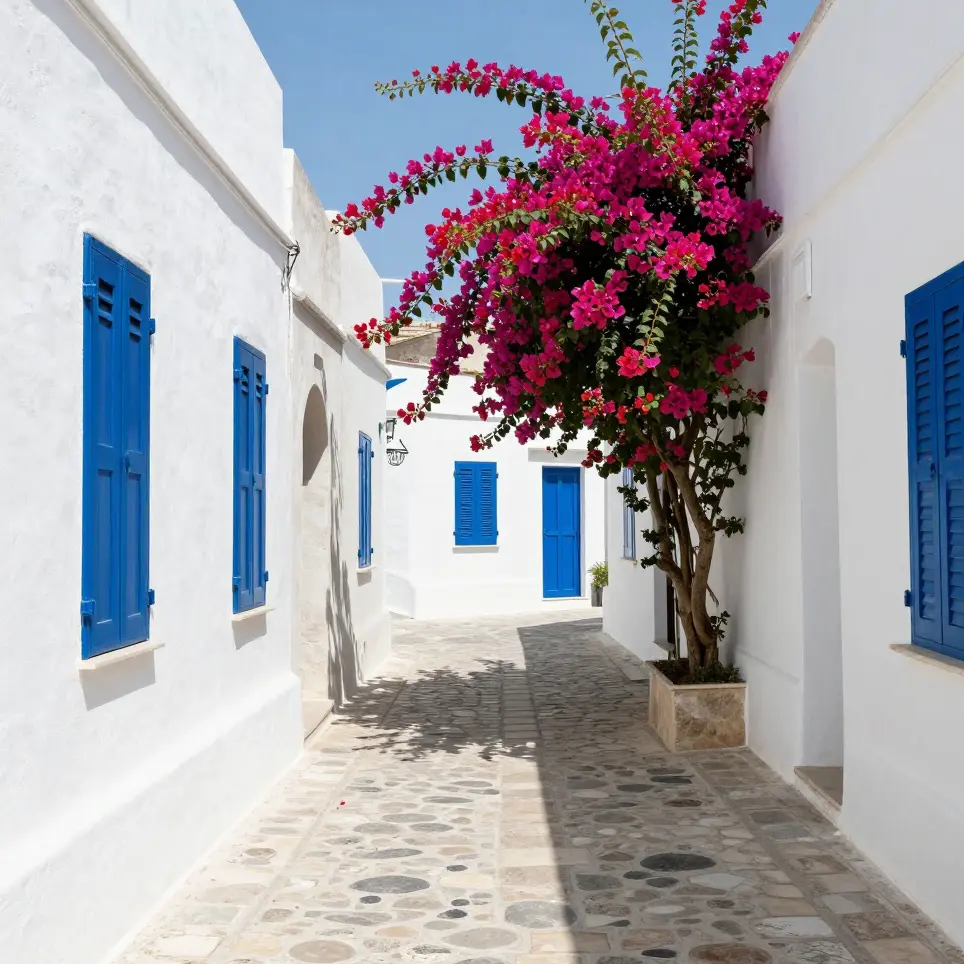
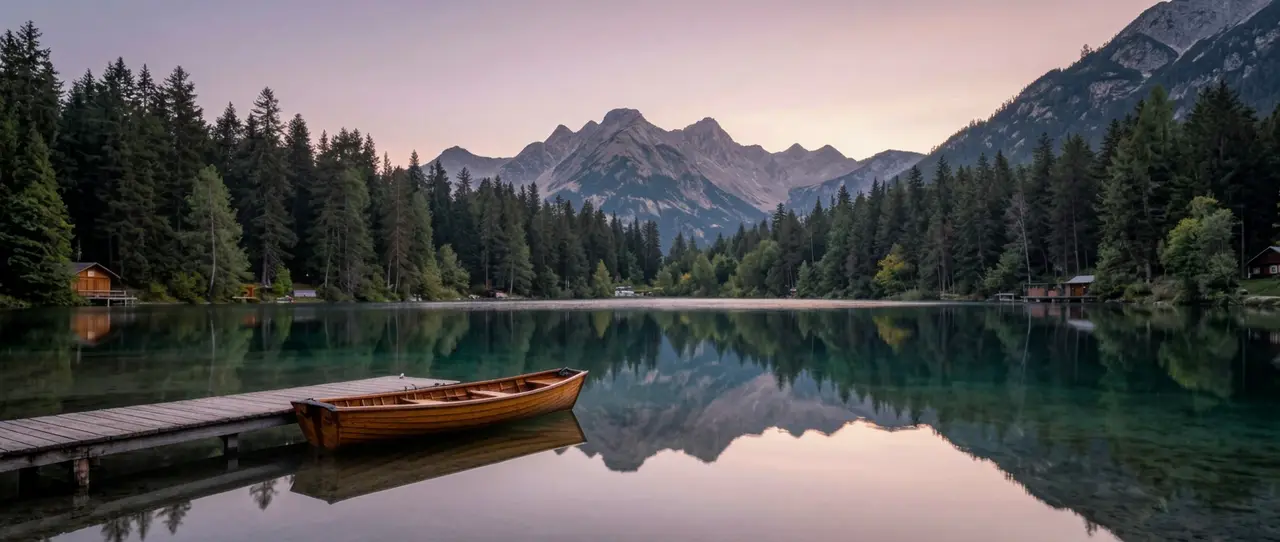
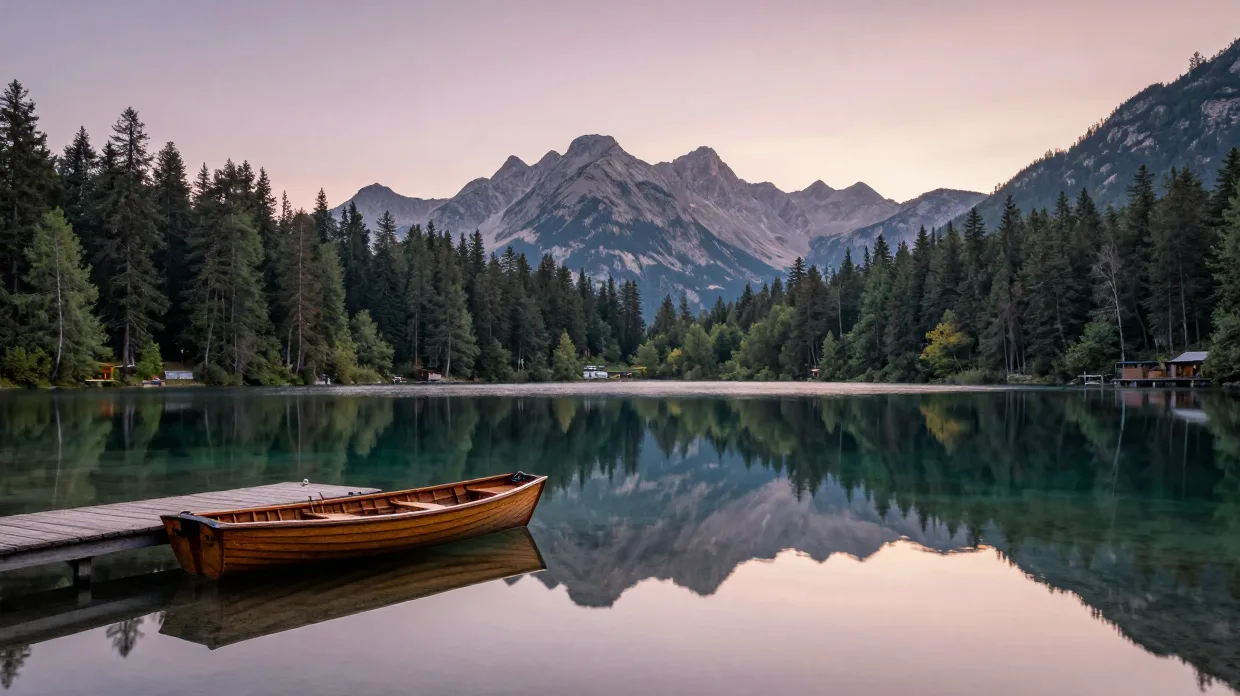
外扩(outpainting)是局部重绘的反向操作:模型不是填补画面里的空洞,而是在边界之外作画。在这里,AI 外扩只需一步:上传照片或插画,选择画幅,如需特定内容就加一句说明,模型会以相同风格在图像周围外扩画布。
更新于
照片、绘画或插画均可,JPG、PNG 或 WebP,最大 10 MB。
选择画幅。说明只描述新区域:“更多同样的海浪”“纯暖灰色背景”。留空则由模型延续场景。
运行后拖动滑块对比;如果作品不能有任何改动,保留中央的原图像素。
扩展到 9:16
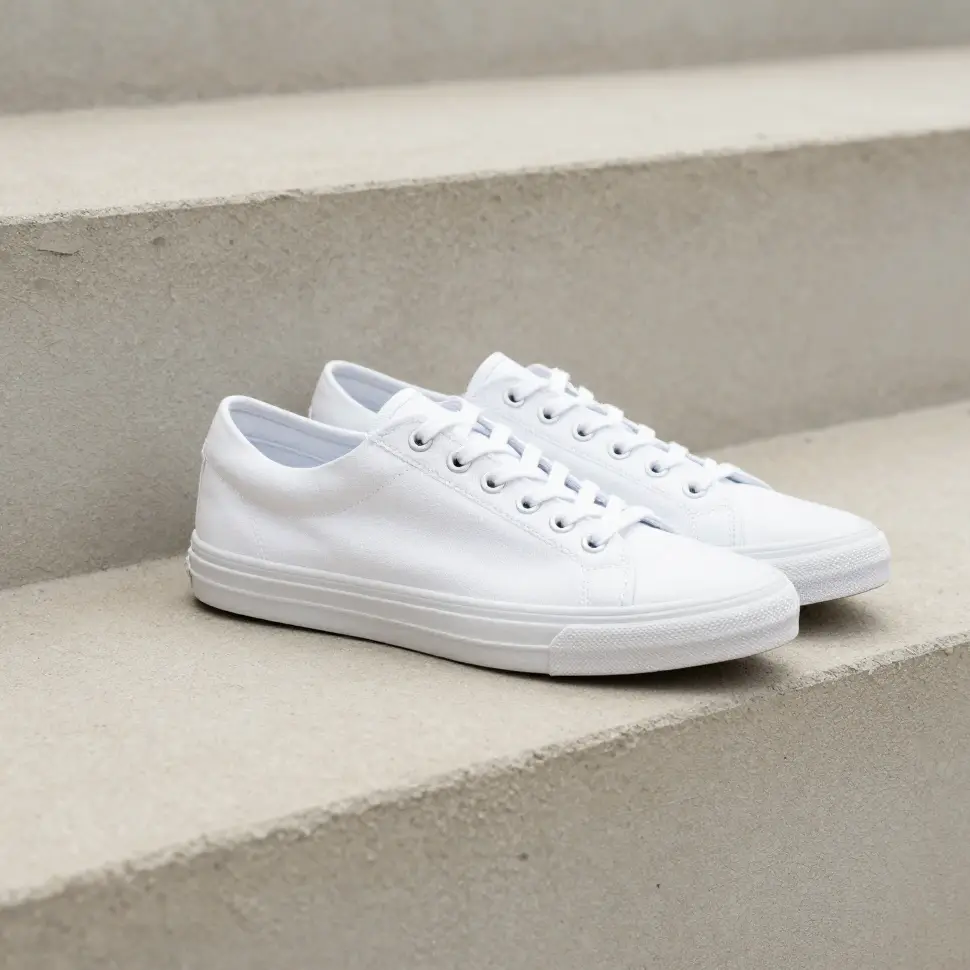
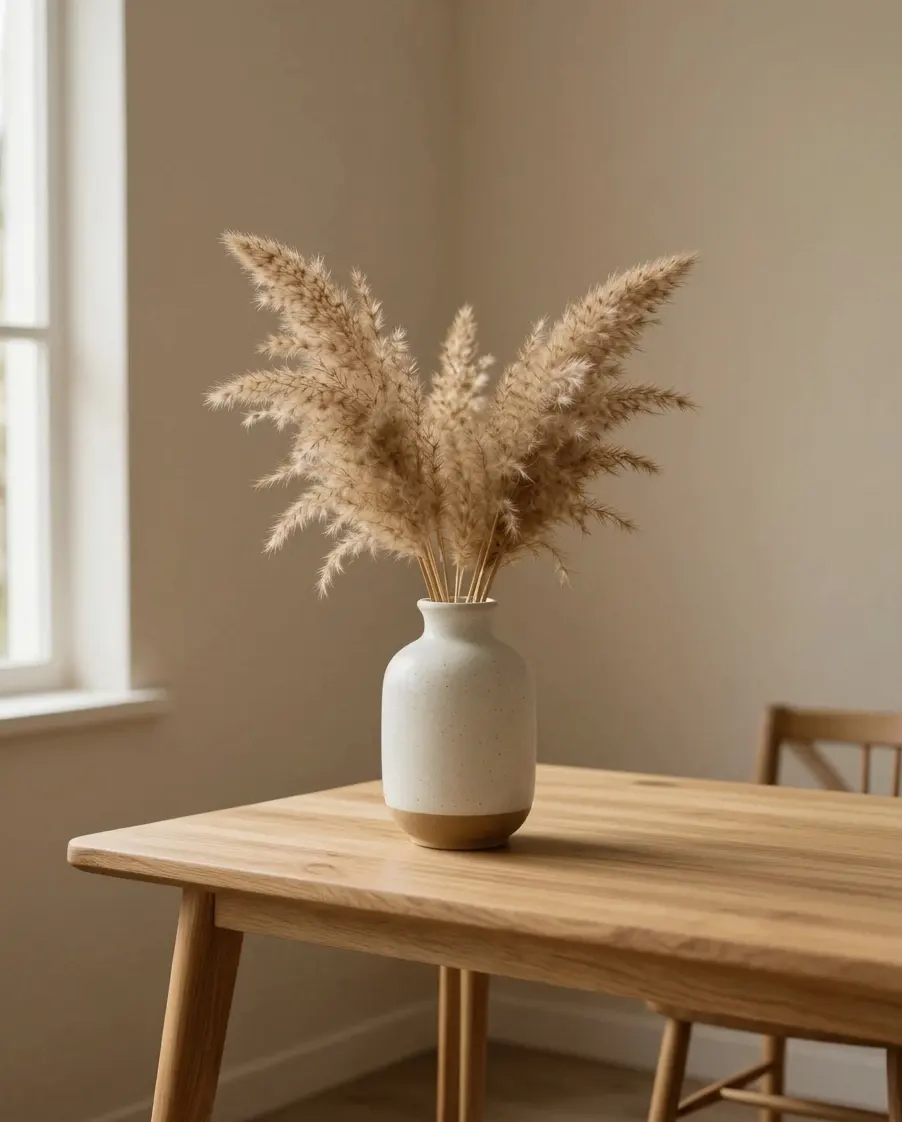
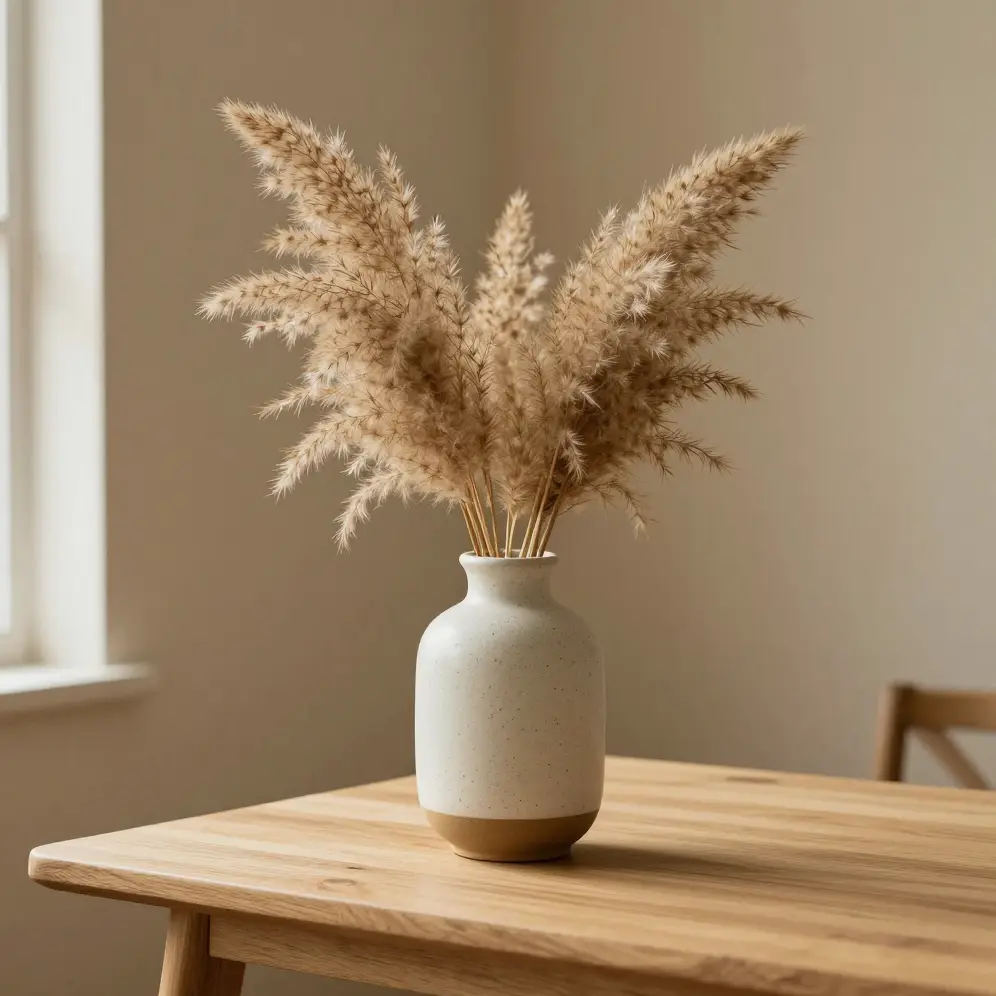
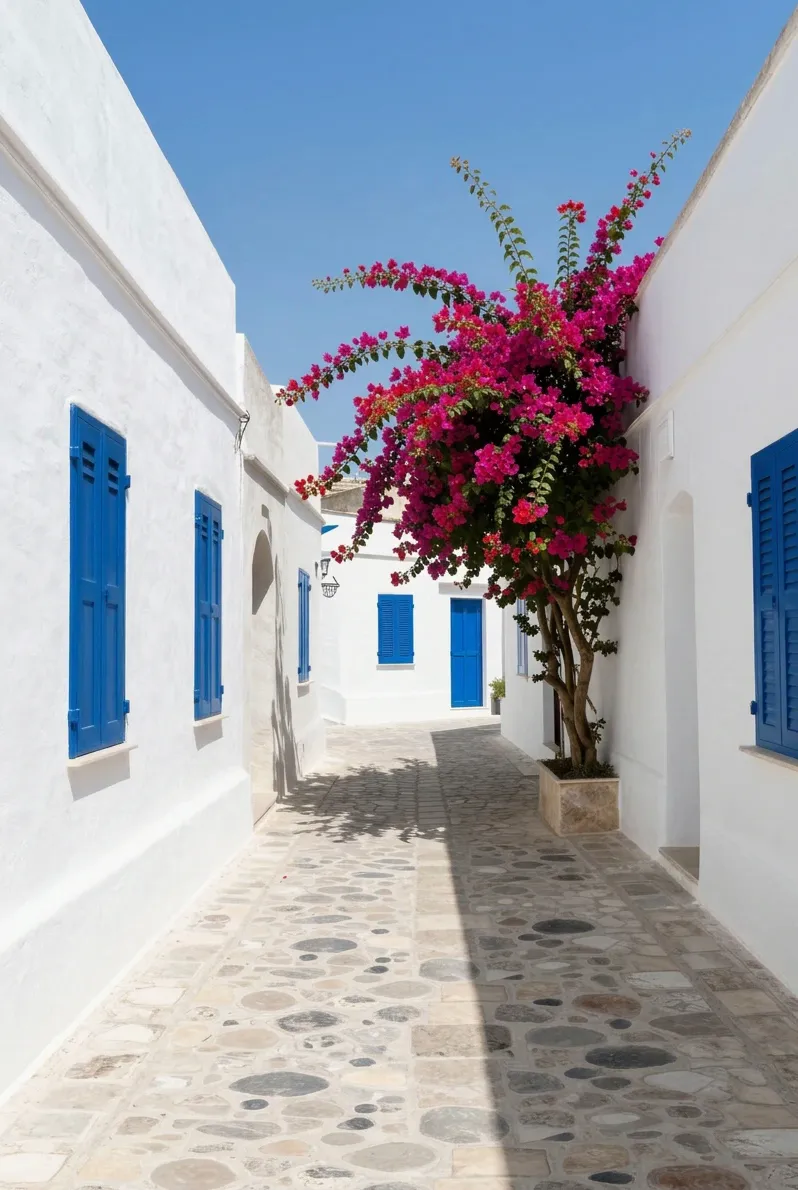
指令: Extend this photo outward to fill a 9:16 frame. Keep the original picture unchanged, at the same size, in the middle, and continue the scene naturally past its edges with matching perspective, lighting, colour, grain and texture. Do not crop, zoom or move the original. Add no new people, text, borders, frames or watermarks.
扩展到 4:5
指令: Extend this photo outward to fill a 4:5 frame. Keep the original picture unchanged, at the same size, in the middle, and continue the scene naturally past its edges with matching perspective, lighting, colour, grain and texture. Do not crop, zoom or move the original. Add no new people, text, borders, frames or watermarks.
扩展到 2:3
指令: Extend this photo outward to fill a 2:3 frame. Keep the original picture unchanged, at the same size, in the middle, and continue the scene naturally past its edges with matching perspective, lighting, colour, grain and texture. Do not crop, zoom or move the original. Add no new people, text, borders, frames or watermarks.
扩展到 21:9
指令: Extend this photo outward to fill a 21:9 frame. Keep the original picture unchanged, at the same size, in the middle, and continue the scene naturally past its edges with matching perspective, lighting, colour, grain and texture. Do not crop, zoom or move the original. Add no new people, text, borders, frames or watermarks.
01
外扩不只适用于照片。平涂色块、木刻版画、水彩和线稿都很容易扩展,因为模型会延续它看到的风格:同样的笔触、同样的配色、同样的纸张。本页示例包括一幅蓝色木刻风格版画,从竖版外扩到 16:9。
02
不加说明时,模型会延续边缘处的内容,大多数情况下这就是对的。当边缘内容含糊(物体被切断),或你想让新空间干净以便放文字时,再加说明:“纯净无云的天空”能给标题留出位置。说明只写新区域;要求修改原图会与“保持原样”的指令冲突。
编辑器会在运行前显示准确价格。 套餐与积分包
| 模型 | 适合 | 1K | 2K |
|---|---|---|---|
| Nano Banana 2.1 | 日常扩图:速度快、成本低,擅长延续纹理 | 33 | 49 |
| GPT Image 2 | 复杂场景和室内的另一种选择 | 49 | — |
局部重绘是填补或替换画面内部的内容;外扩是在原边界之外增加新画面。本工具只做外扩,原图保留在中央。
不需要。新区域就是所选画幅中原图以外的全部,没什么要选的,你只需选择画幅。
需要相应的权利。外扩不属于你的作品并冒充原作者的作品是不允许的。
Nano Banana 2.1 风格保持稳定,价格也更低。GPT Image 2 适合在复杂场景上再试一次。编辑器会在运行前显示每个模型的积分价格。