
01
为什么扩展而不是裁剪
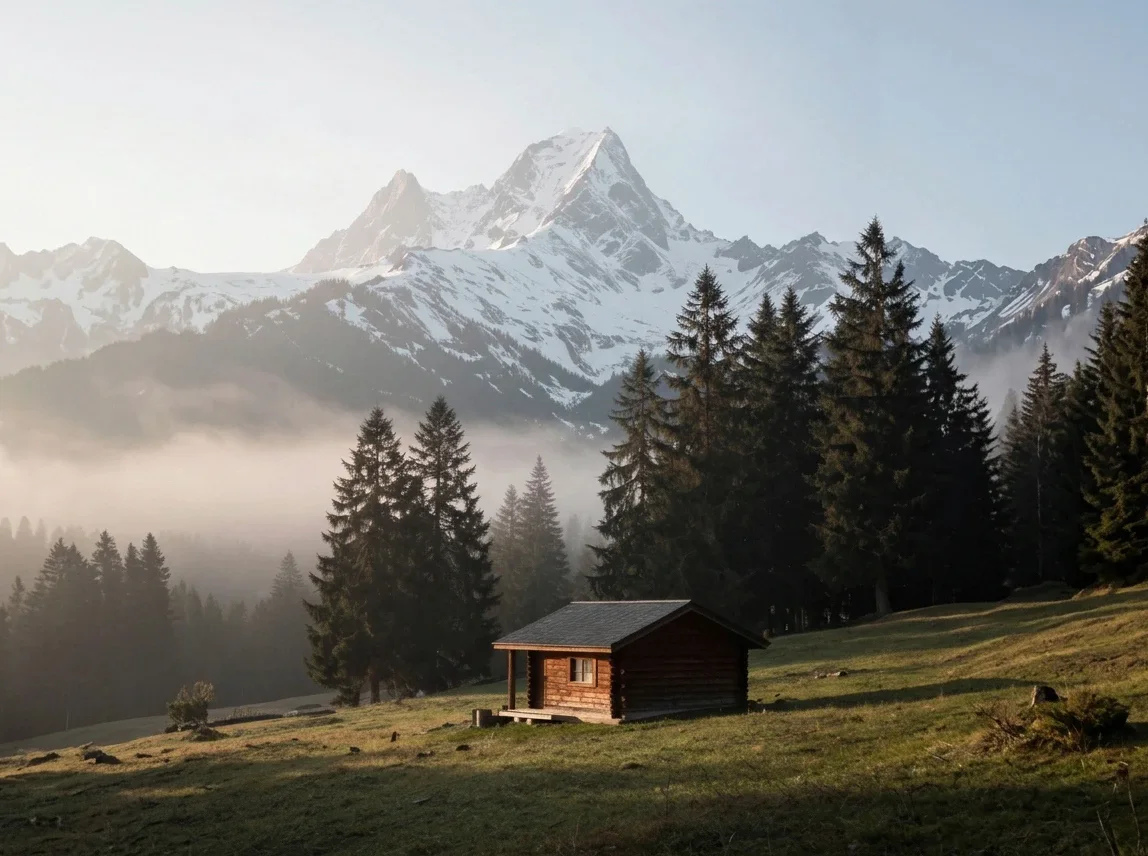
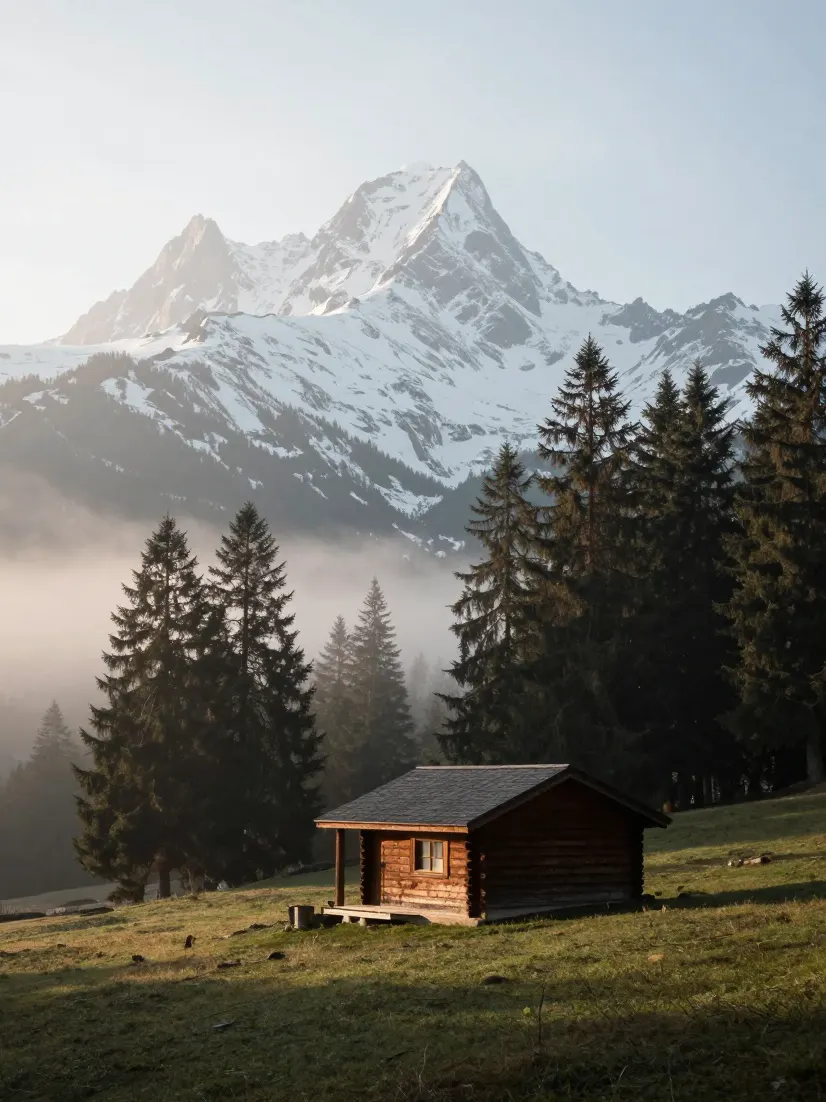
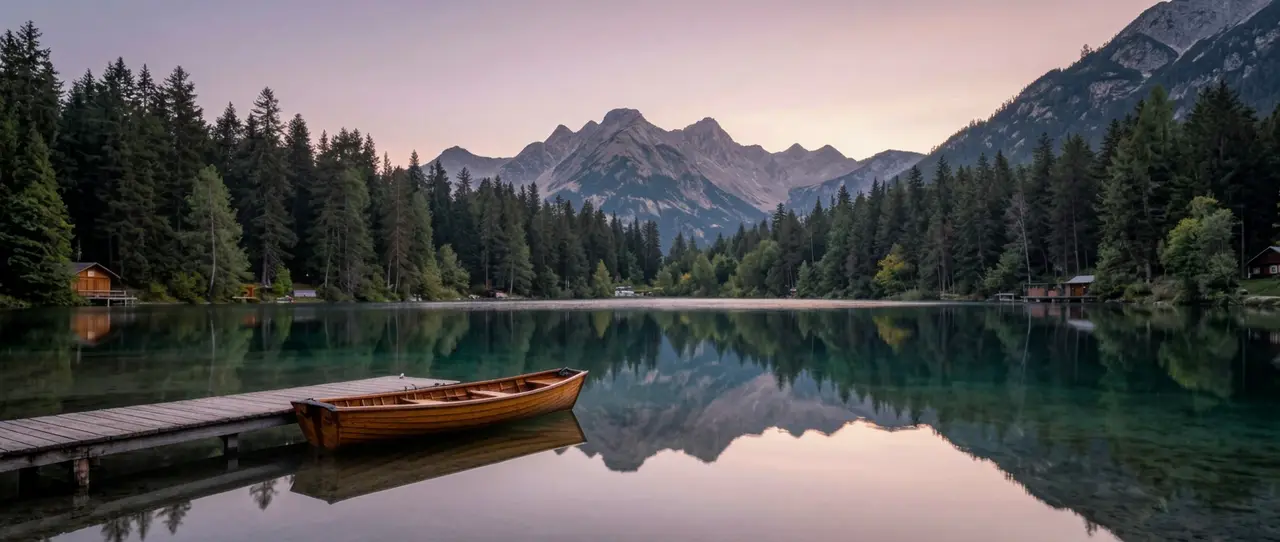
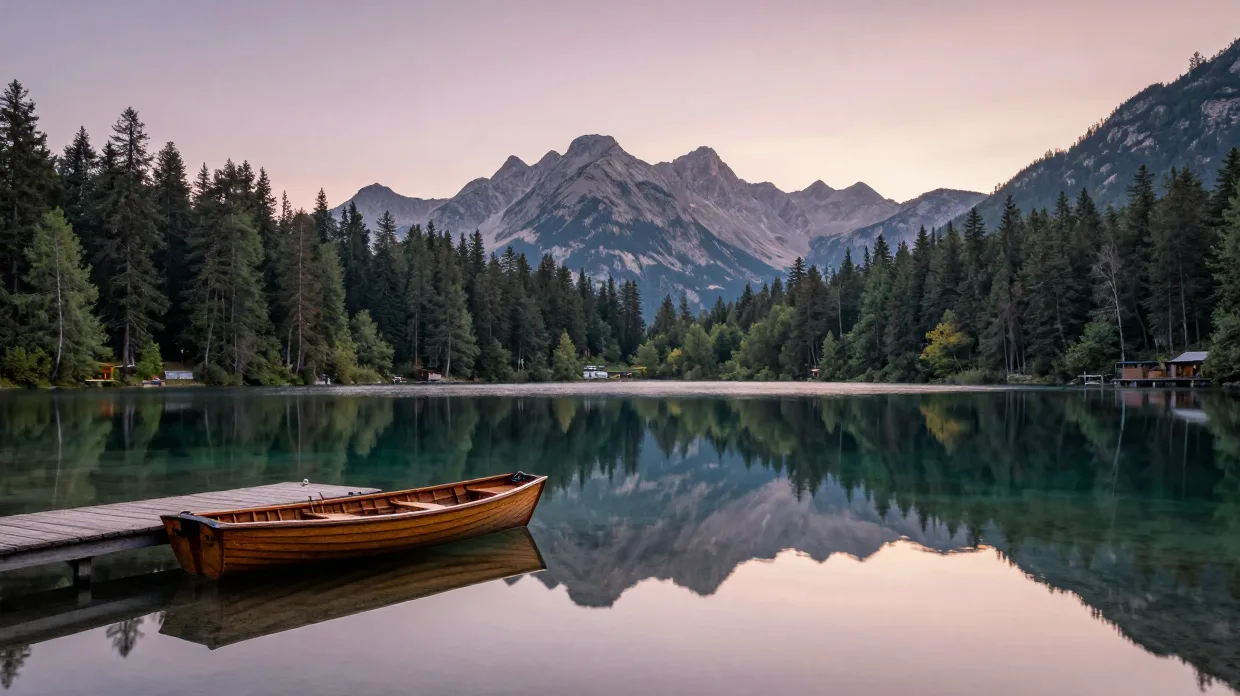
把照片裁成更宽的画幅,会丢掉顶部和底部,而那往往正是给画面留出空间的天空或地面。扩展会保留你拍下的每个像素,并在两侧补出新画面。用 16:9 照片做 21:9 横幅时,这就是切掉山顶和保留山顶的区别。
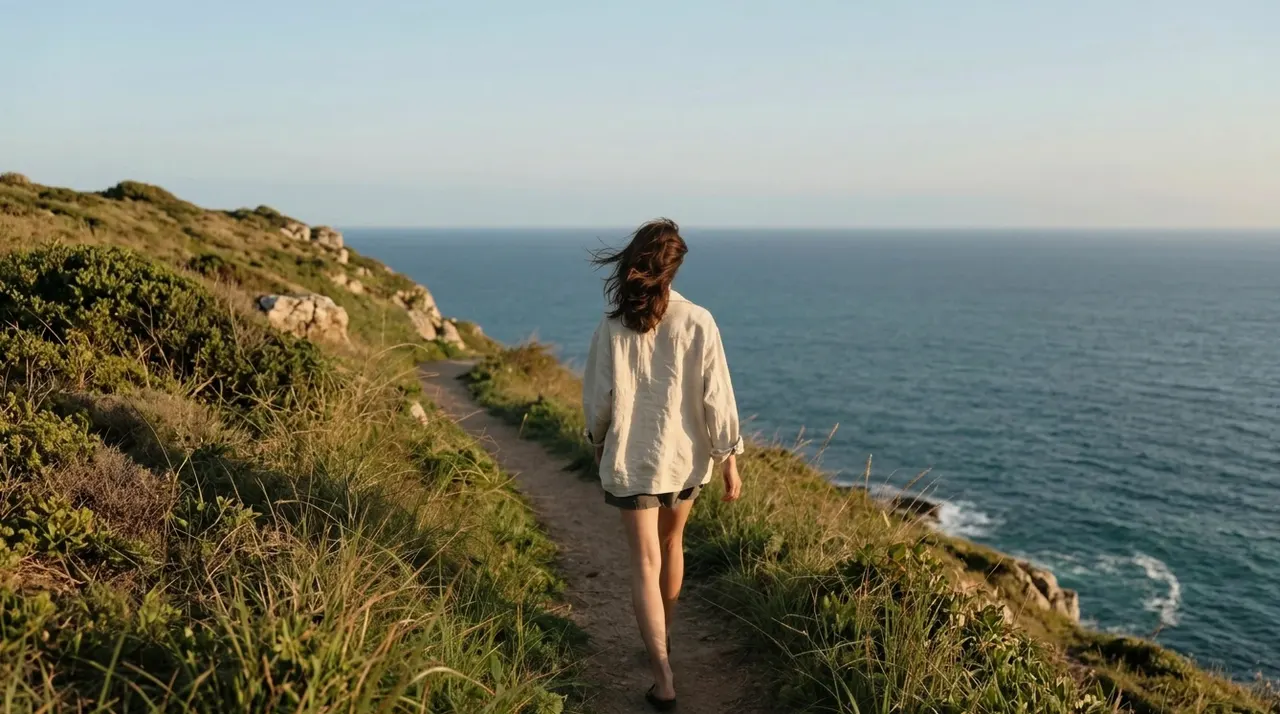
新画幅
YouTube、桌面壁纸、幻灯片
本次扩图消耗
33 积分
免费积分够完成一次扩图(33 积分)。
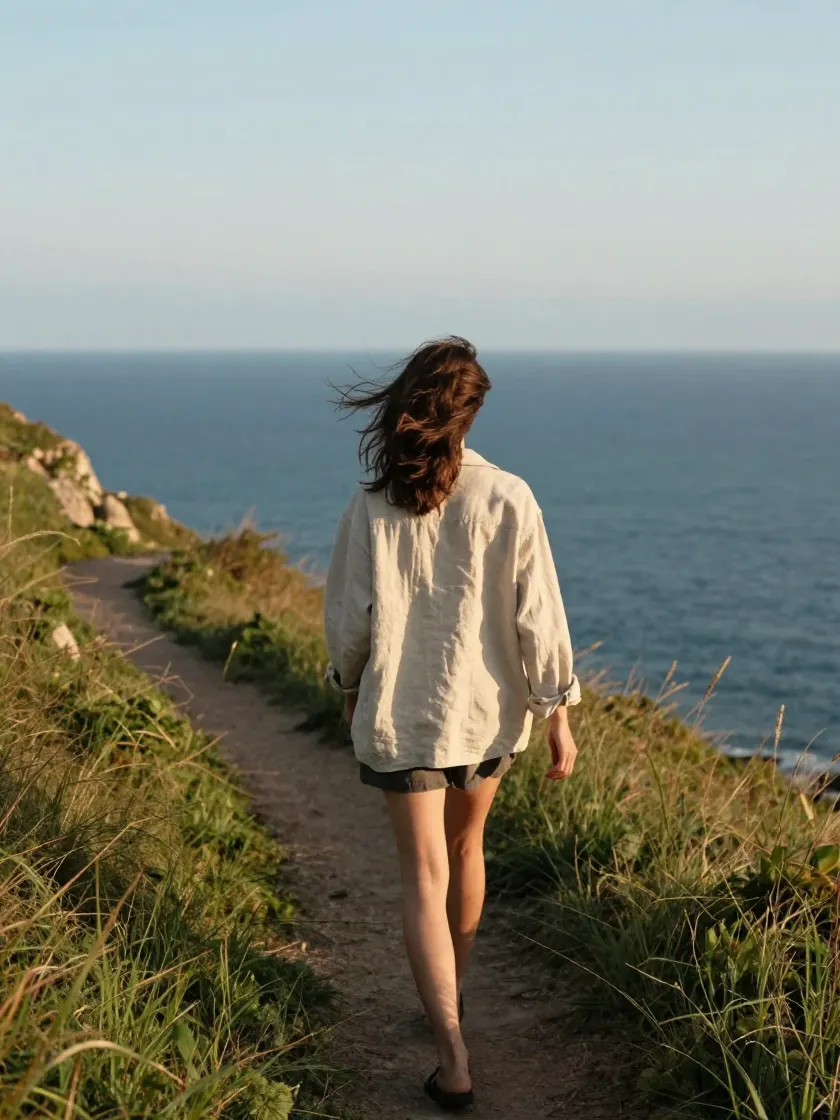
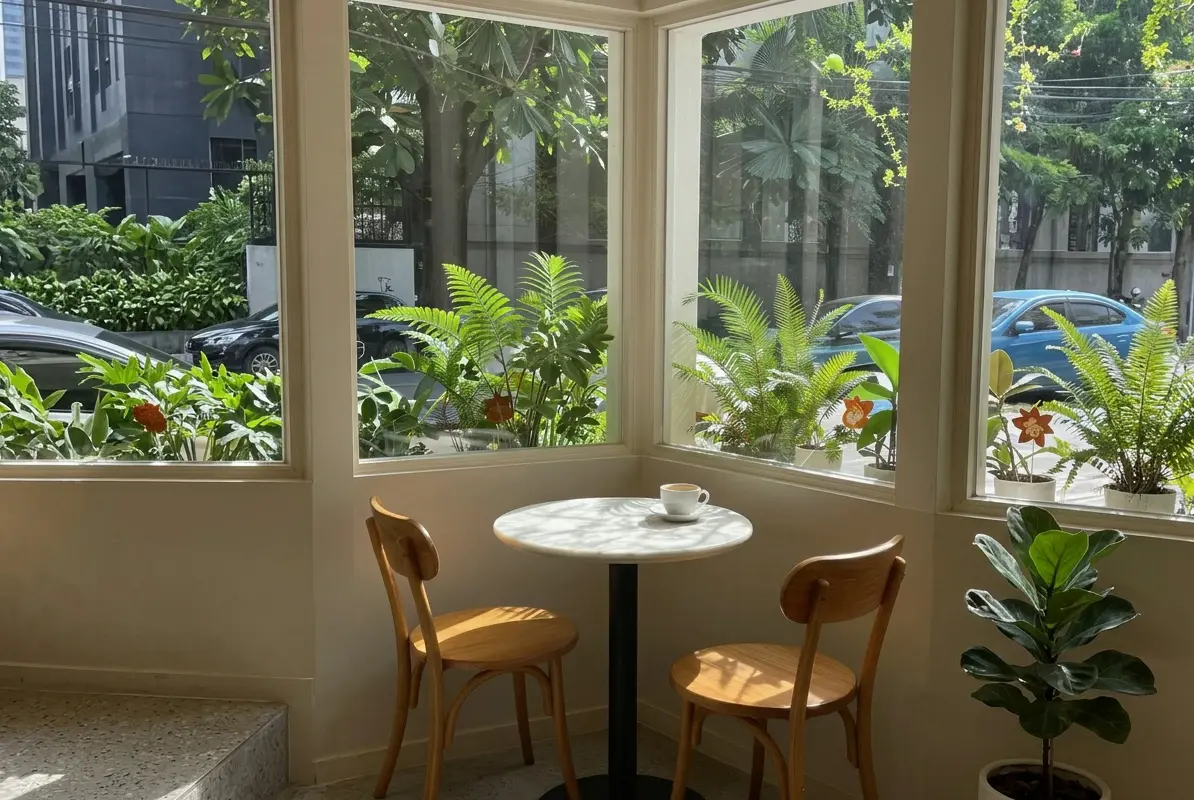
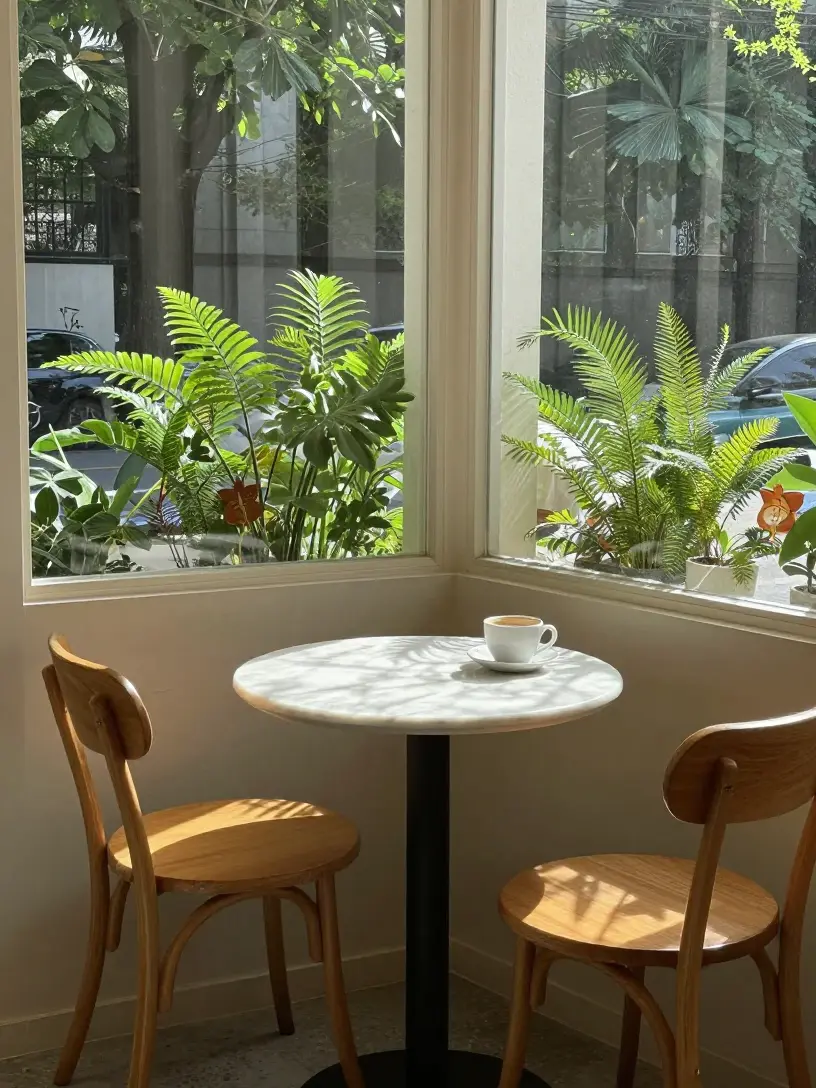
照片延展适合那些“差一点就对了”的照片:需要更多天空做横幅的风景、要放进 16:9 幻灯片的房间、要做成 21:9 头图的街景。上传照片,选择画幅,AI 会以相同的光线和质感向两侧扩展图片,看起来就像按快门前往后退了一步。
更新于
JPG、PNG 或 WebP,最大 10 MB。地平线水平、竖线垂直,扩展更容易对齐。
选择 16:9、3:2、4:3 或 21:9。如果知道边缘外是什么,可以写出来:“两侧更多森林”“厨房台面的其余部分”。
与原图对比,沿着旧边缘查看。如果线条断开,再跑一次或换另一个模型,所有结果都保存在“我的扩图”中。
扩展到 16:9
指令: Extend this photo outward to fill a 16:9 frame. Keep the original picture unchanged, at the same size, in the middle, and continue the scene naturally past its edges with matching perspective, lighting, colour, grain and texture. Do not crop, zoom or move the original. Add no new people, text, borders, frames or watermarks.
扩展到 3:2
指令: Extend this photo outward to fill a 3:2 frame. Keep the original picture unchanged, at the same size, in the middle, and continue the scene naturally past its edges with matching perspective, lighting, colour, grain and texture. Do not crop, zoom or move the original. Add no new people, text, borders, frames or watermarks.
扩展到 4:3
指令: Extend this photo outward to fill a 4:3 frame. Keep the original picture unchanged, at the same size, in the middle, and continue the scene naturally past its edges with matching perspective, lighting, colour, grain and texture. Do not crop, zoom or move the original. Add no new people, text, borders, frames or watermarks.
扩展到 21:9
指令: Extend this photo outward to fill a 21:9 frame. Keep the original picture unchanged, at the same size, in the middle, and continue the scene naturally past its edges with matching perspective, lighting, colour, grain and texture. Do not crop, zoom or move the original. Add no new people, text, borders, frames or watermarks.
01
把照片裁成更宽的画幅,会丢掉顶部和底部,而那往往正是给画面留出空间的天空或地面。扩展会保留你拍下的每个像素,并在两侧补出新画面。用 16:9 照片做 21:9 横幅时,这就是切掉山顶和保留山顶的区别。
02
自然场景最容易扩展:树木、山丘、水面和云没有唯一正确的形状。街景和室内更难,因为直线要以正确角度延续;当原图有清晰的透视线时,模型处理得很好。水面和窗户里的倒影通常也能正确延续,让结果更可信。
编辑器会在运行前显示准确价格。 套餐与积分包
| 模型 | 适合 | 1K | 2K |
|---|---|---|---|
| Nano Banana 2.1 | 日常扩图:速度快、成本低,擅长延续纹理 | 33 | 49 |
| GPT Image 2 | 复杂场景和室内的另一种选择 | 49 | — |
不是。放大是给同一画面增加像素;照片延展是在周围增加新画面。照片比例对但太小,需要放大;比例不对,需要延展。
它会跟随原图的光线、色彩和颗粒。原图噪点多或模糊,边缘也会出现相应的噪点或模糊,所以请用手头最好的版本。
原图始终在新画幅中居中,所以扩展会分摊到拉伸方向的两侧。想偏向一侧,可以上传前在另一侧稍微裁掉一点。
只要不误导即可。为横幅在房间周围补出天空或地面没问题,但把虚构的房间、景观或设施当作真实展示是不允许的,详见可接受使用政策。